
 thinklab
An idea in.A real product out.
thinklab turns one sentence into a real product: three visuals, a deck, the packaging and the factory files, one step at a time with Steve.
Describe it or sketch it. Choose a direction, answer two or three quick questions and see three visuals. Then take the same concept on to a deck, a box with its dieline, and a 3D model with the files a factory builds from, without starting over.
One thinkjoin account opens thinklab, every builder and Steve.
- 1Idea
- 2Direction
- 3Questions
- 4Visuals
- 5Deck
- 6Packaging
- 7Factory

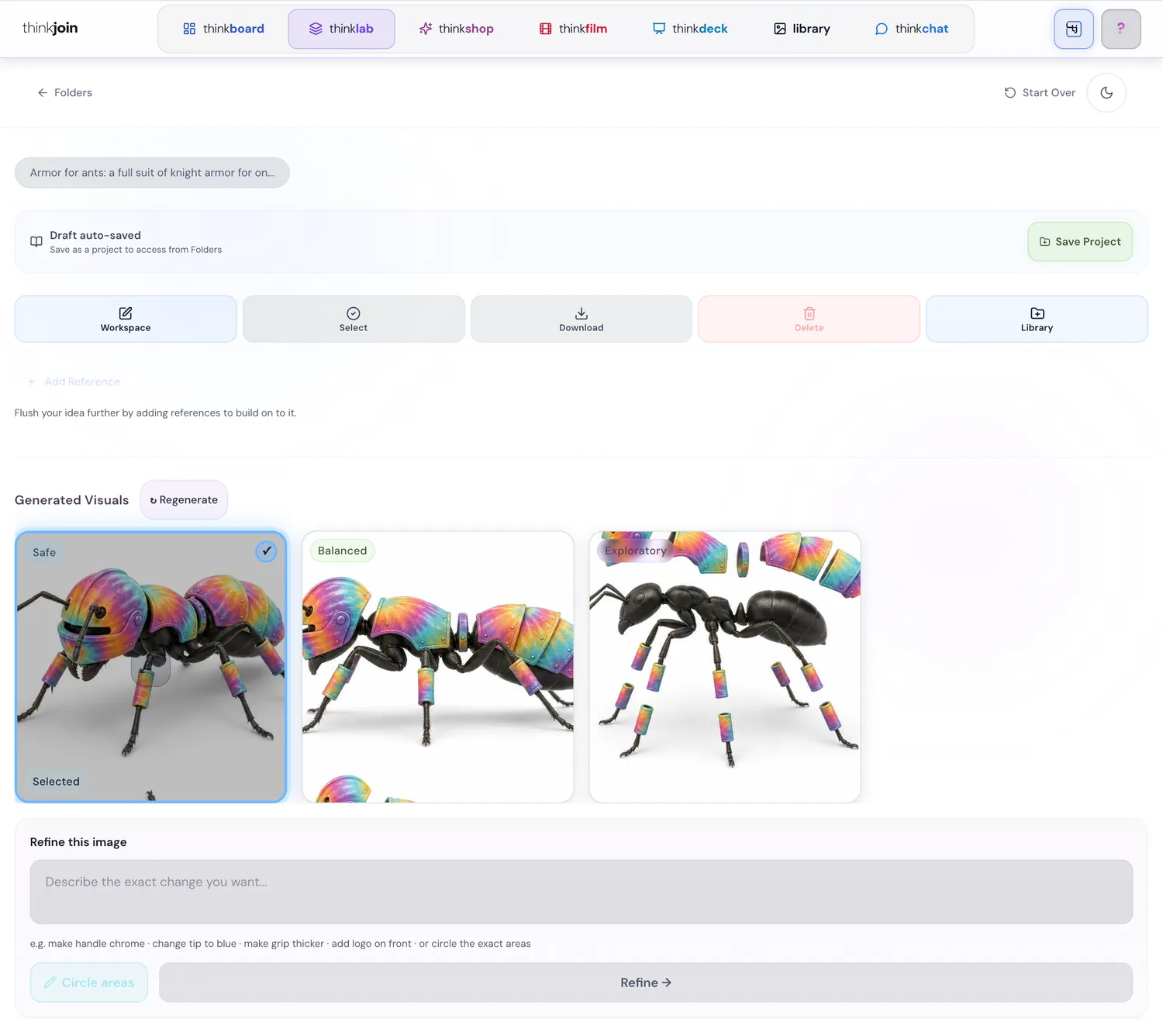
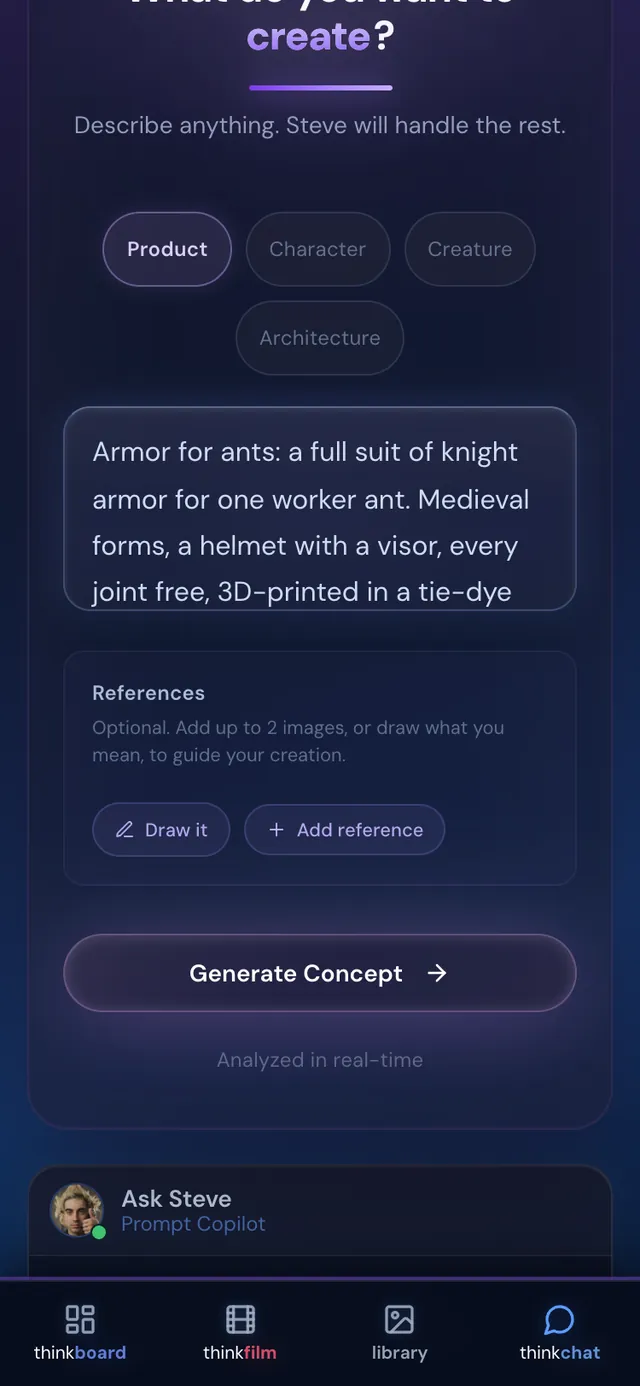
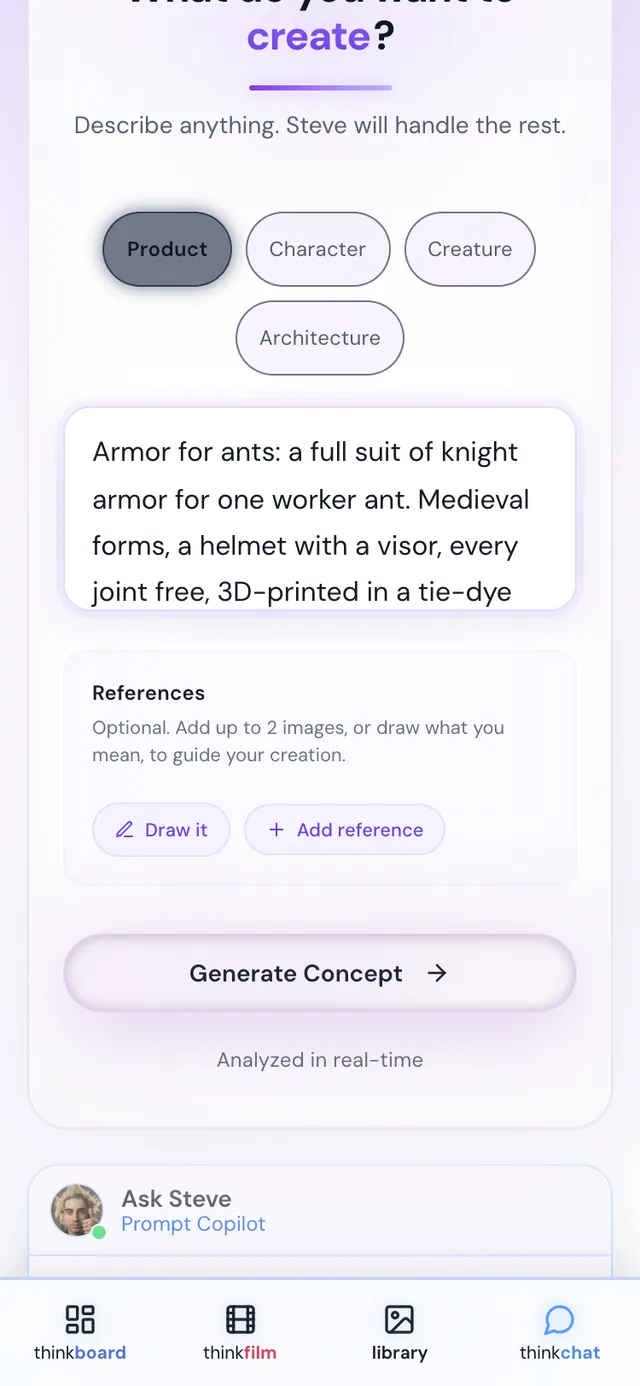
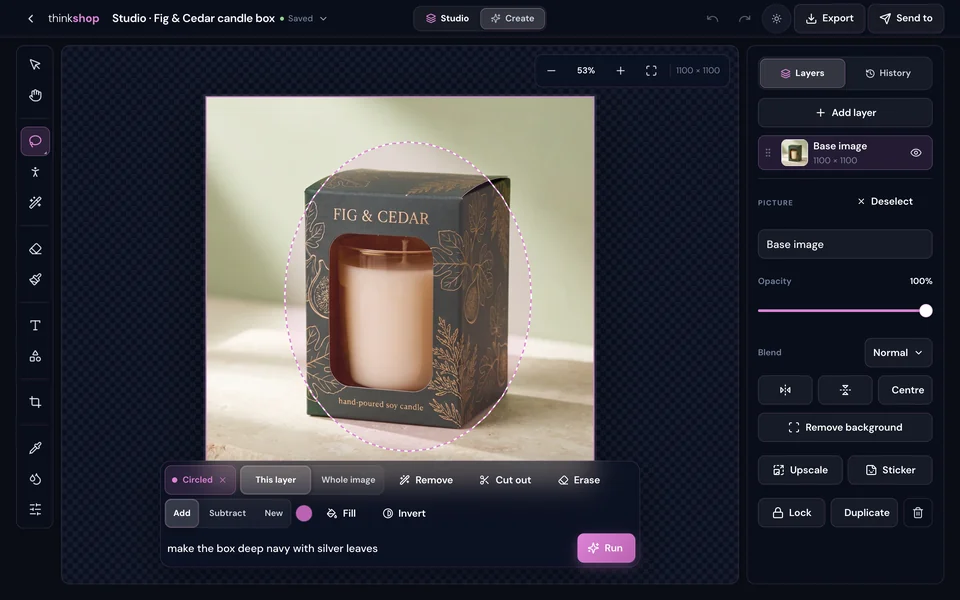
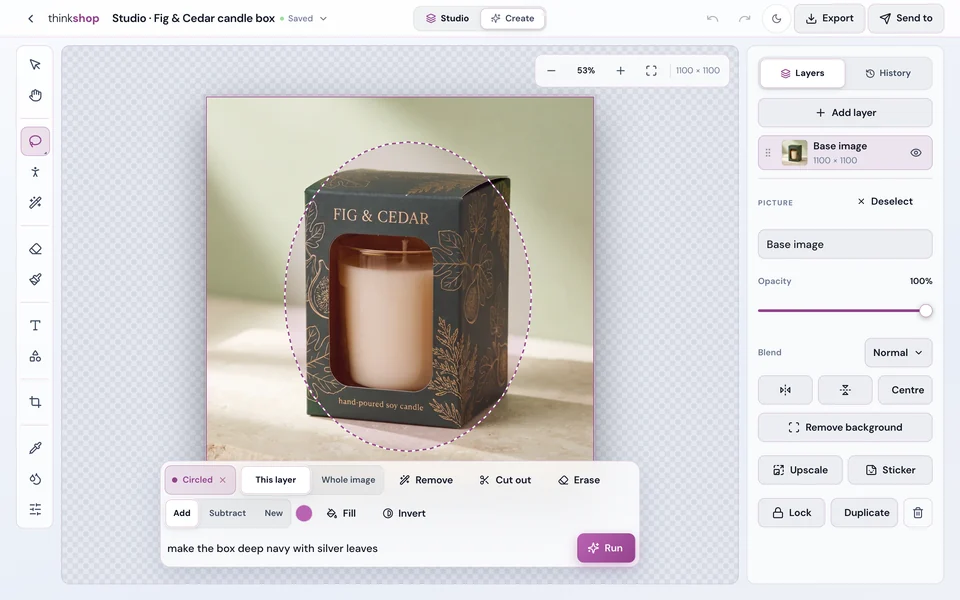
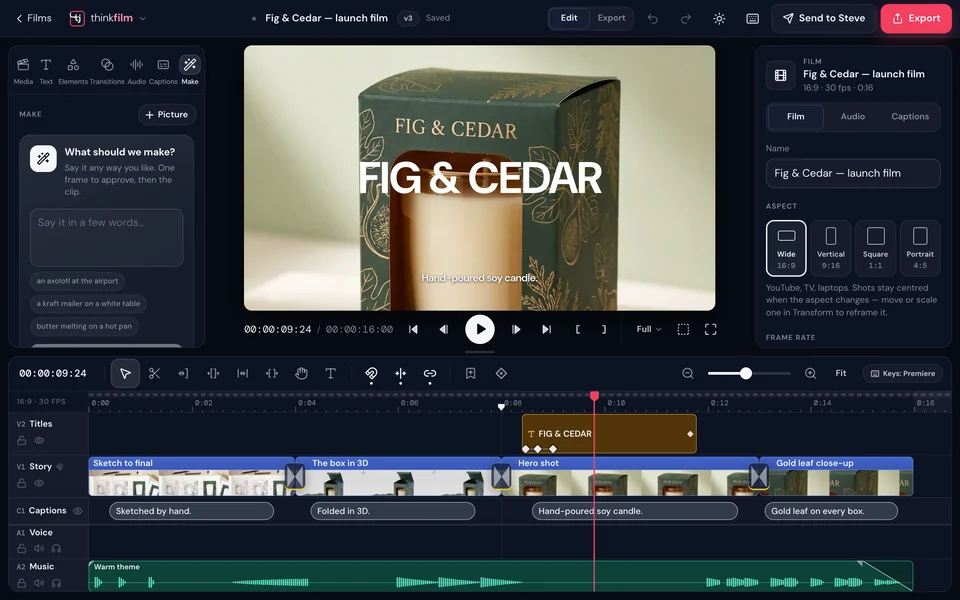
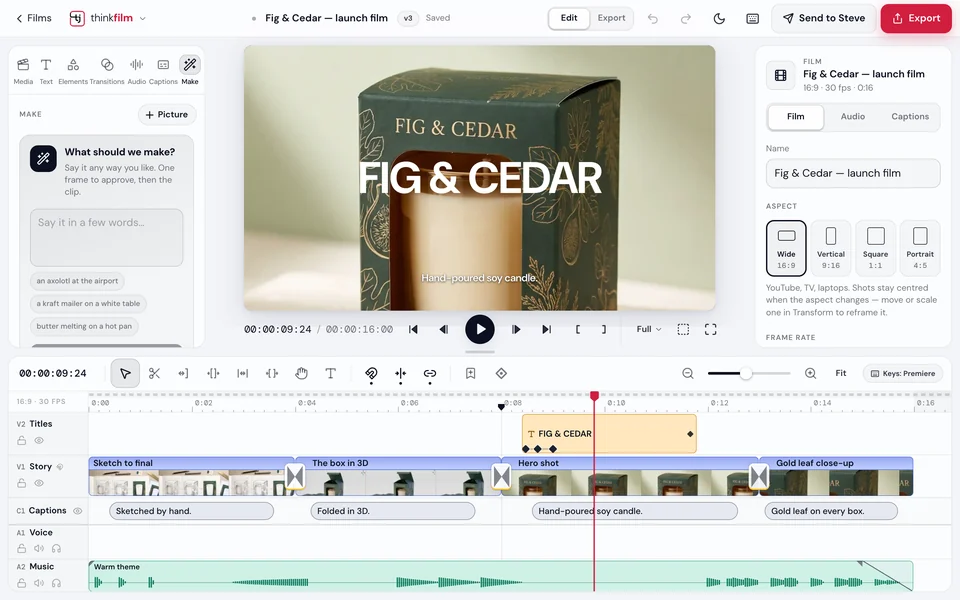
The real thinklab, in light and dark. The sample idea on this page is armor for ants, and every picture of it came out of thinkjoin.
The road
Seven steps from a sentence to the real thing.
This is what you see along the way, screen by screen, for one idea: armor for ants.
Say it, or sketch it
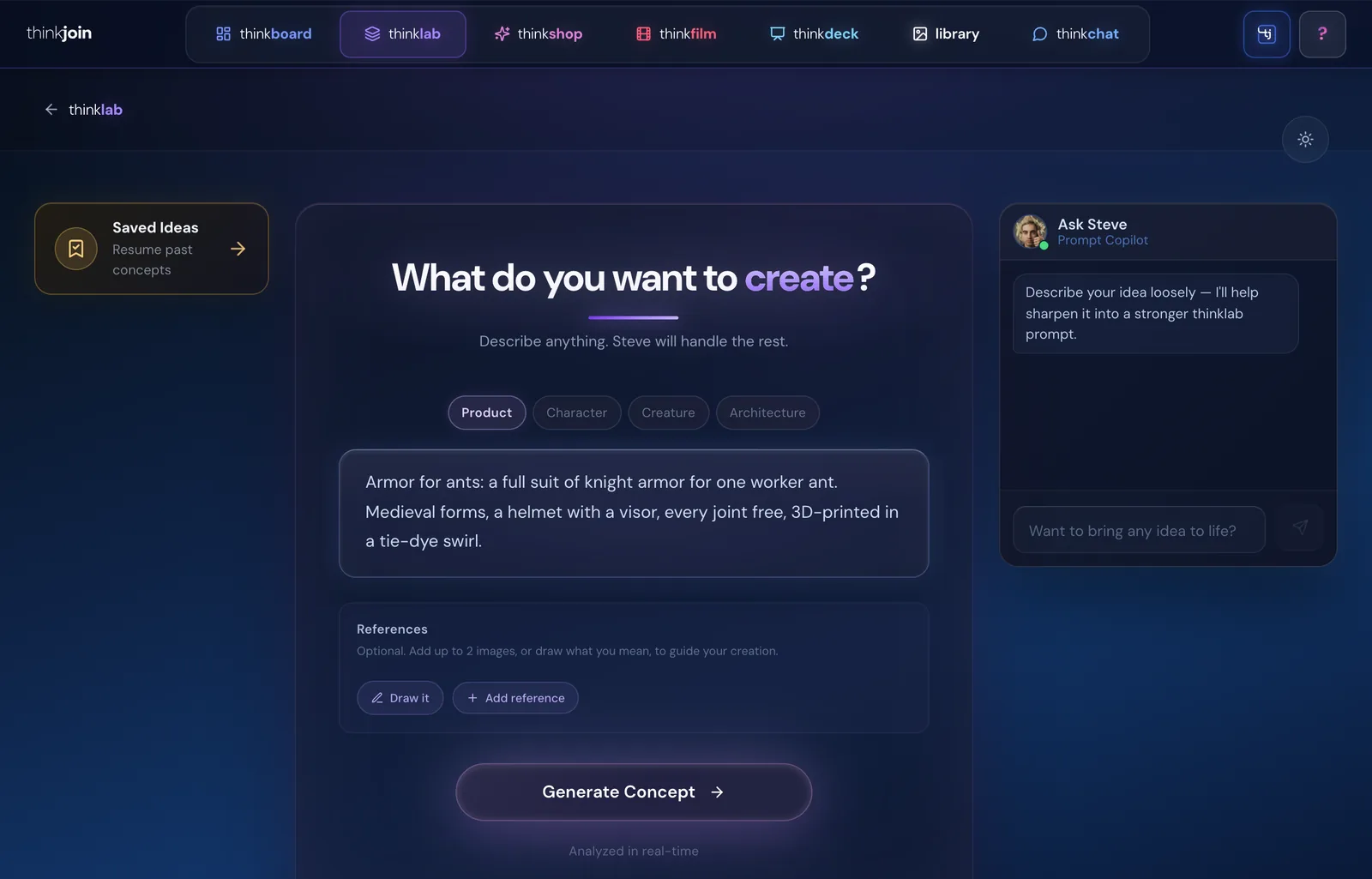
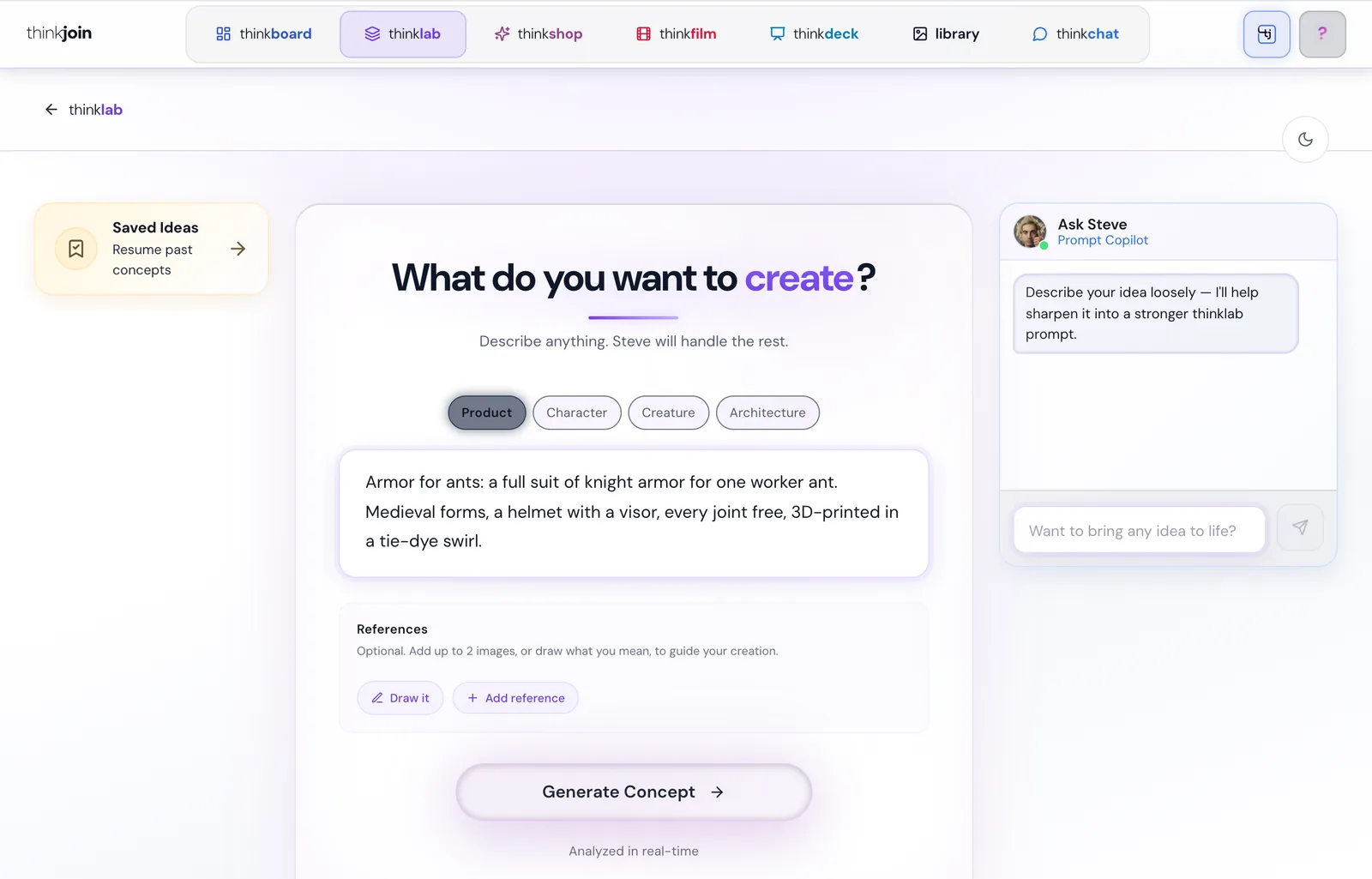
“What do you want to create?” Describe anything, pick Product, Character, Creature or Architecture, and add up to two reference pictures, or draw what you mean. Steve's Prompt Copilot sits beside the box and helps you word it.
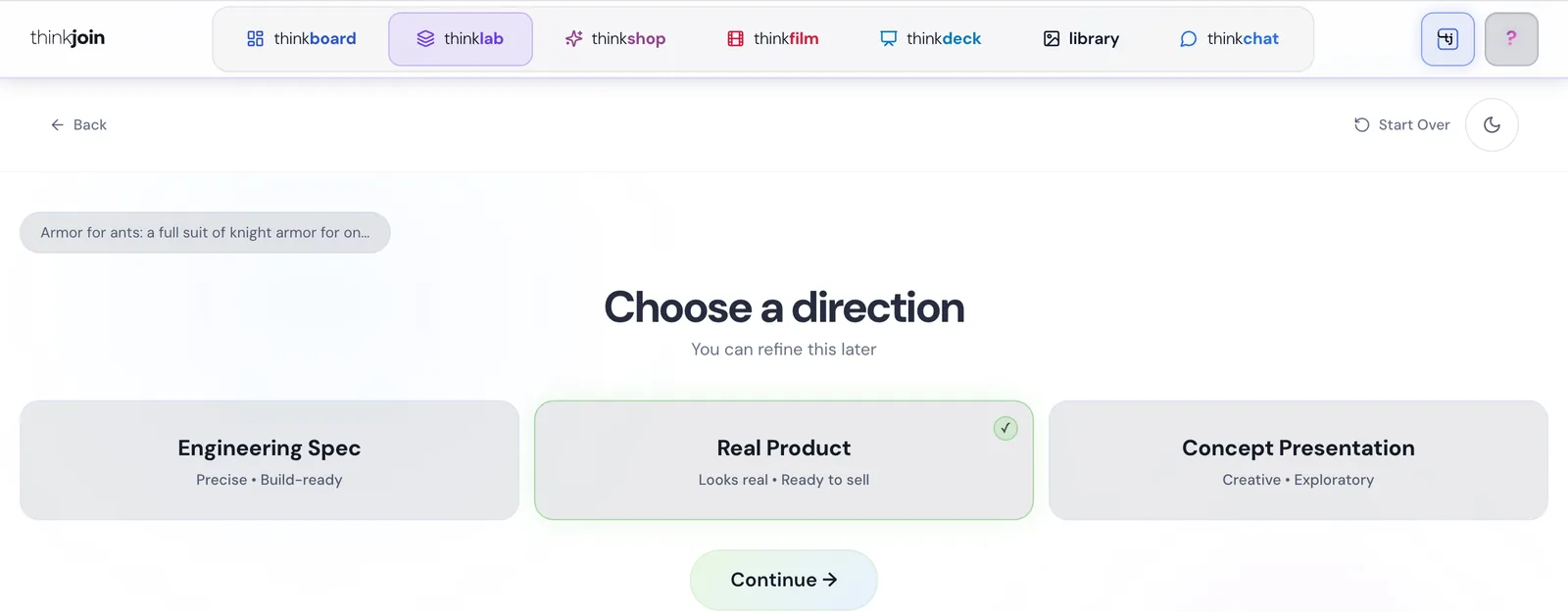
Choose a direction
Engineering Spec is precise and build-ready. Real Product looks real and ready to sell. Concept Presentation is creative and exploratory. You can refine it later.

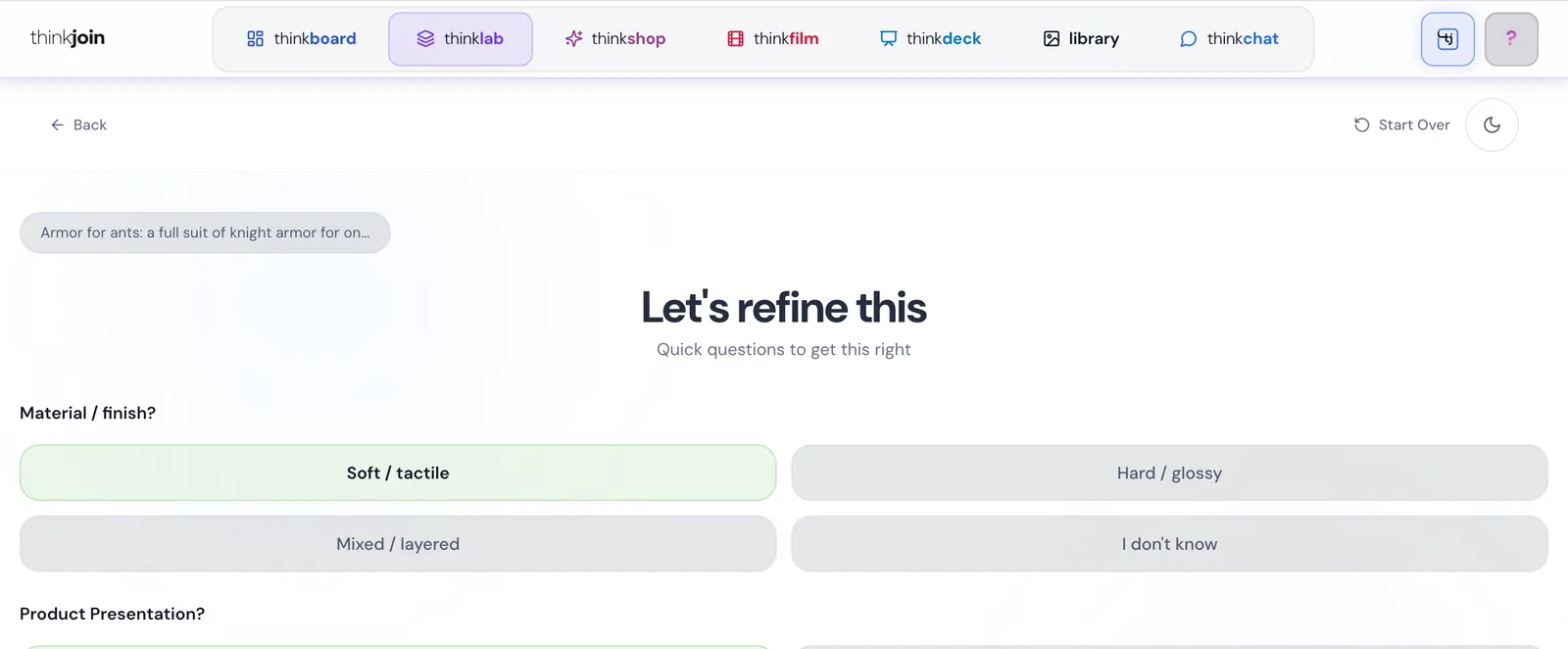
Answer two or three quick questions
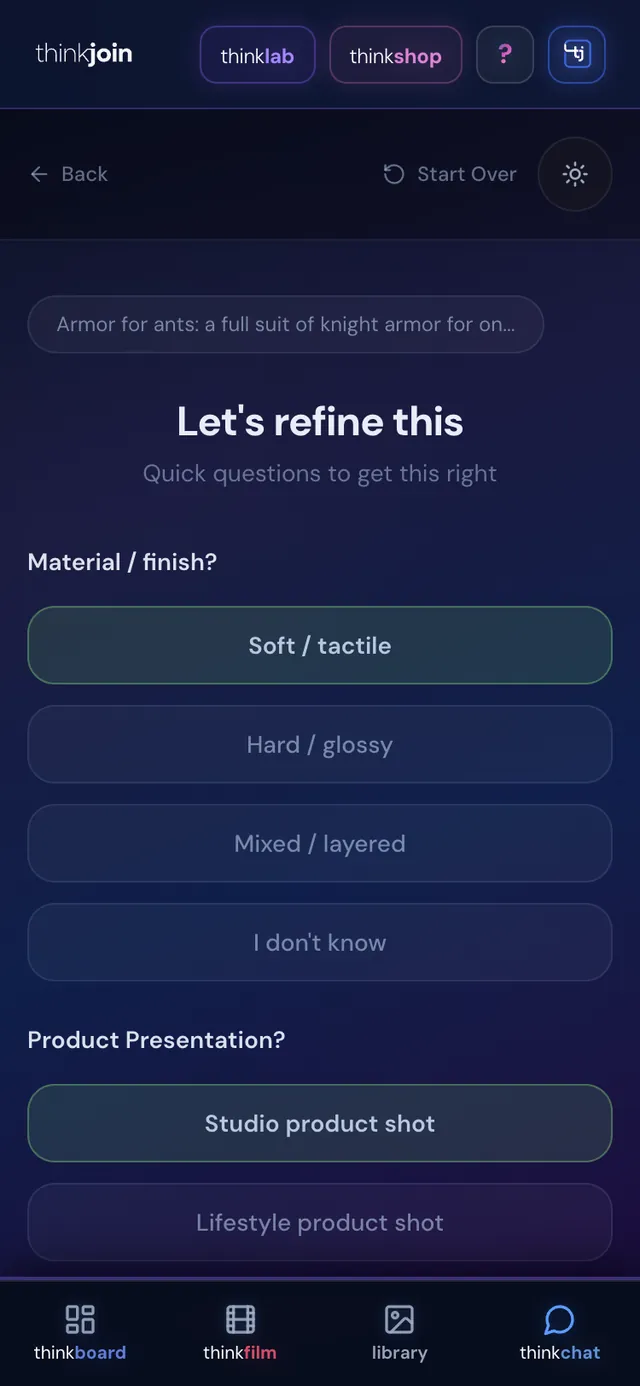
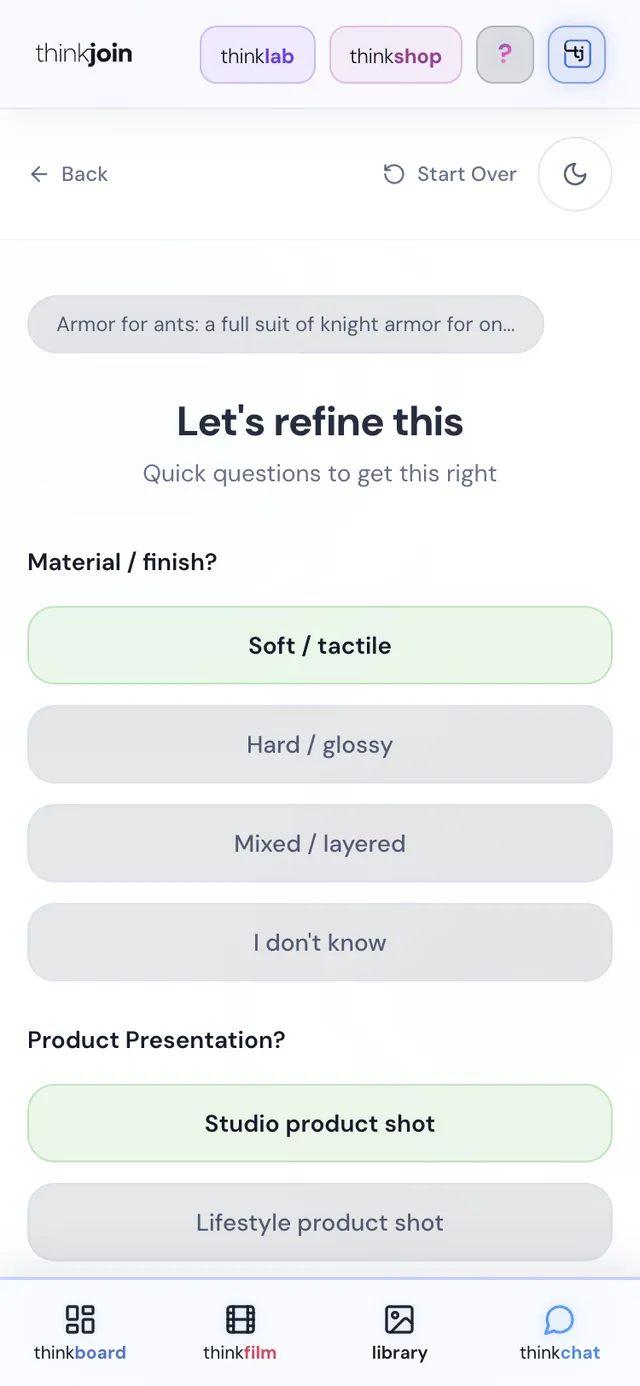
“Let's refine this.” Real Product asks two: the material or finish, and how to present it. Engineering Spec and Concept Presentation ask three. Tap your answers and press Generate.

Three visuals, three takes
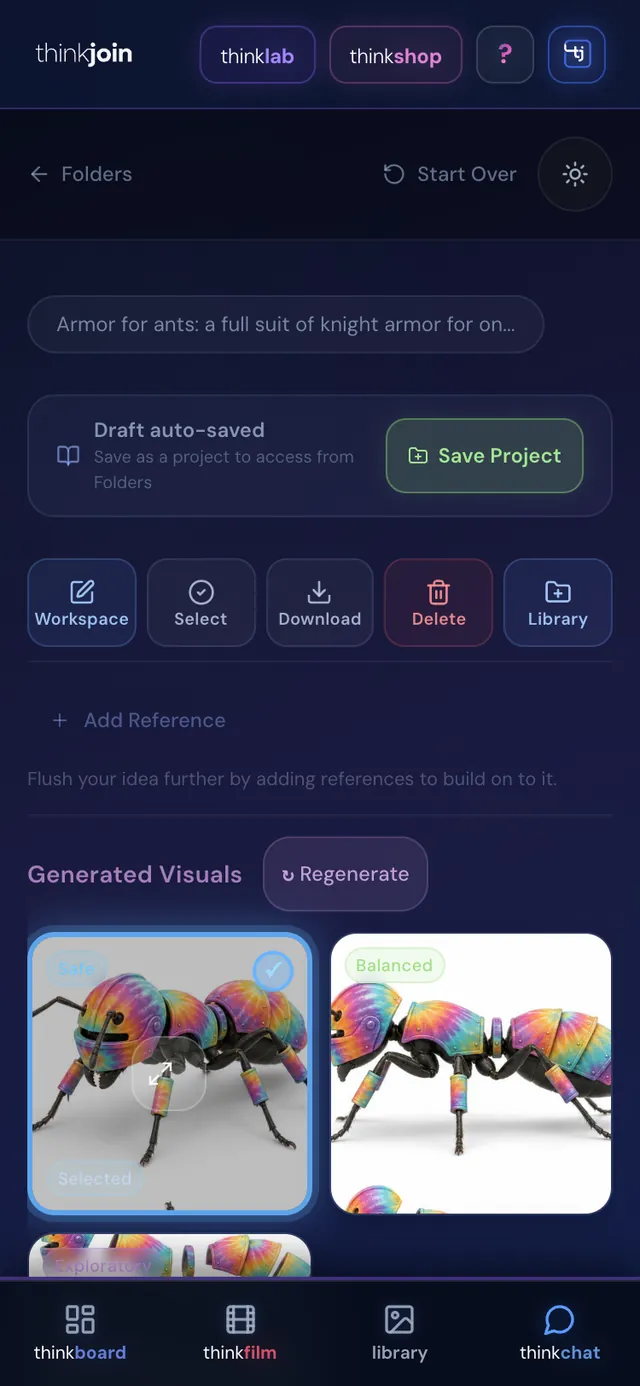
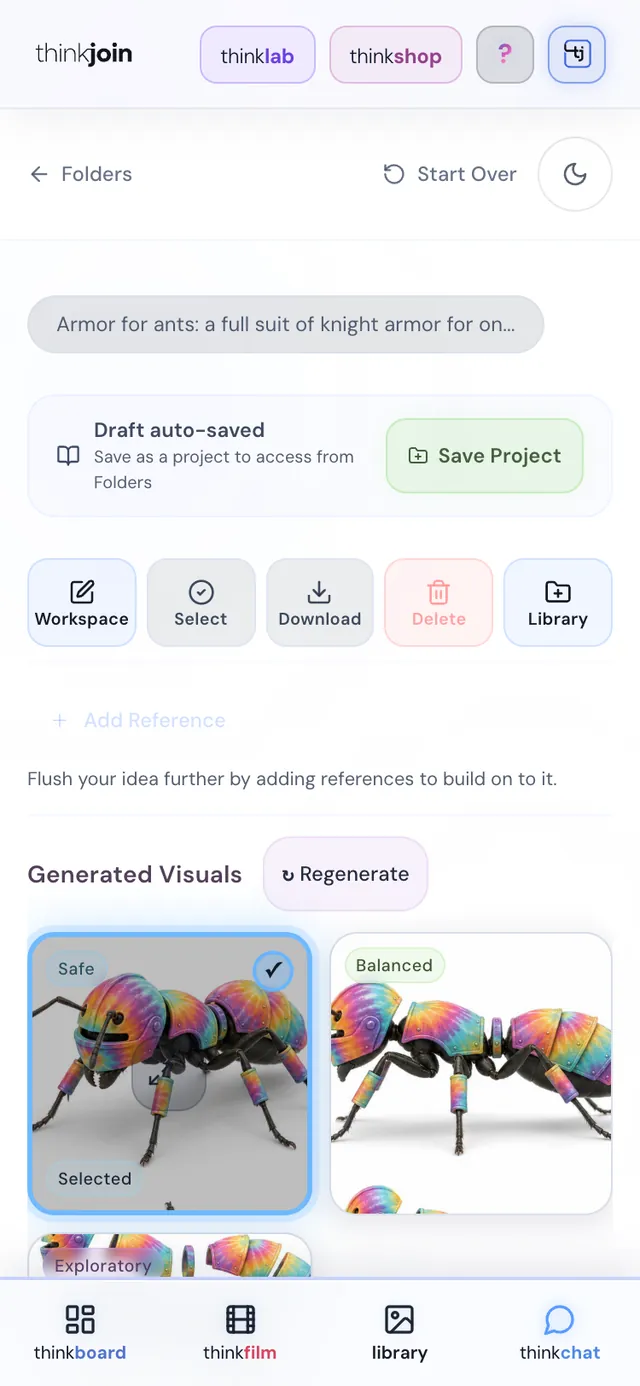
Three takes come back, marked Safe, Balanced and Exploratory. Refine one in words, or circle the part you want changed. Save the concept as a project, send it to your Library, or carry it straight on to the next steps.
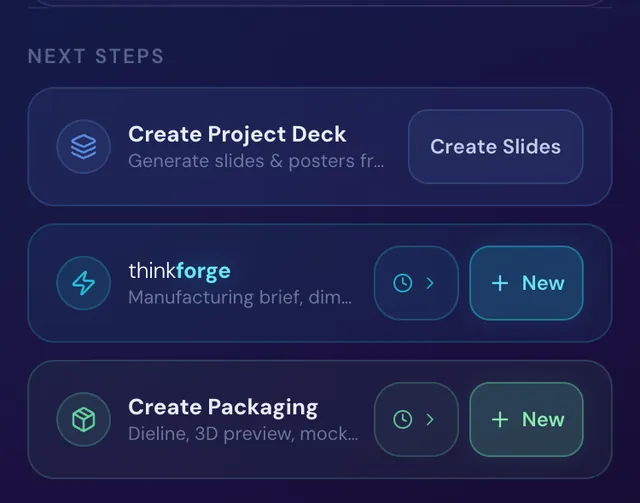
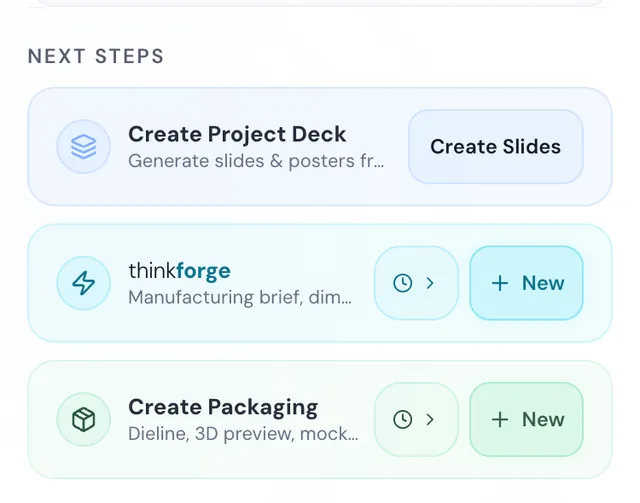
Right under the visuals, the next steps sit side by side: Create Project Deck, thinkforge and Create Packaging.


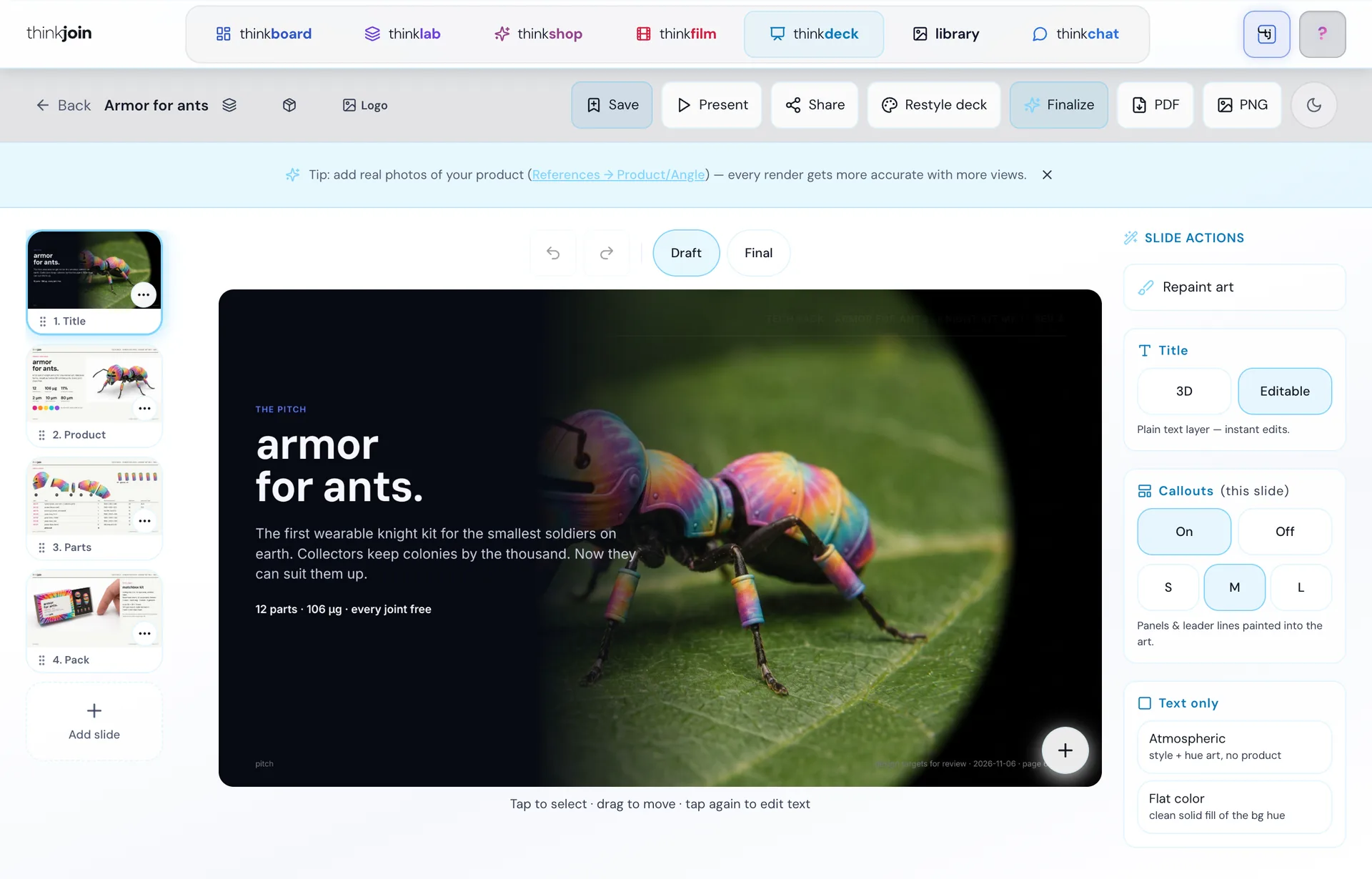
The deck builder
Create Project Deck makes slides from the concept, and thinkdeck turns your product into a pitch deck you edit in place: repaint the art, rewrite the copy, restyle the deck, present it or export a PDF.



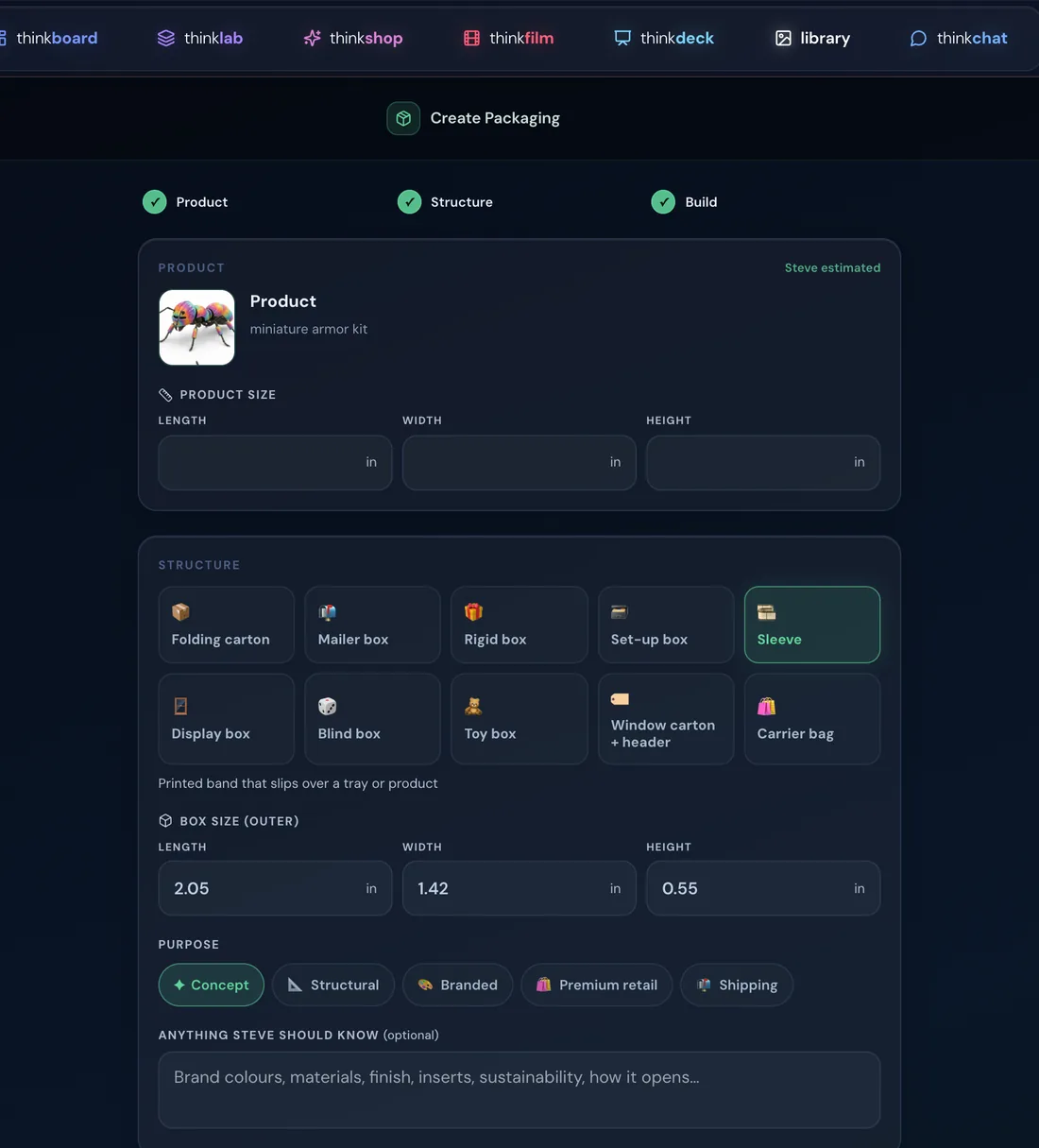
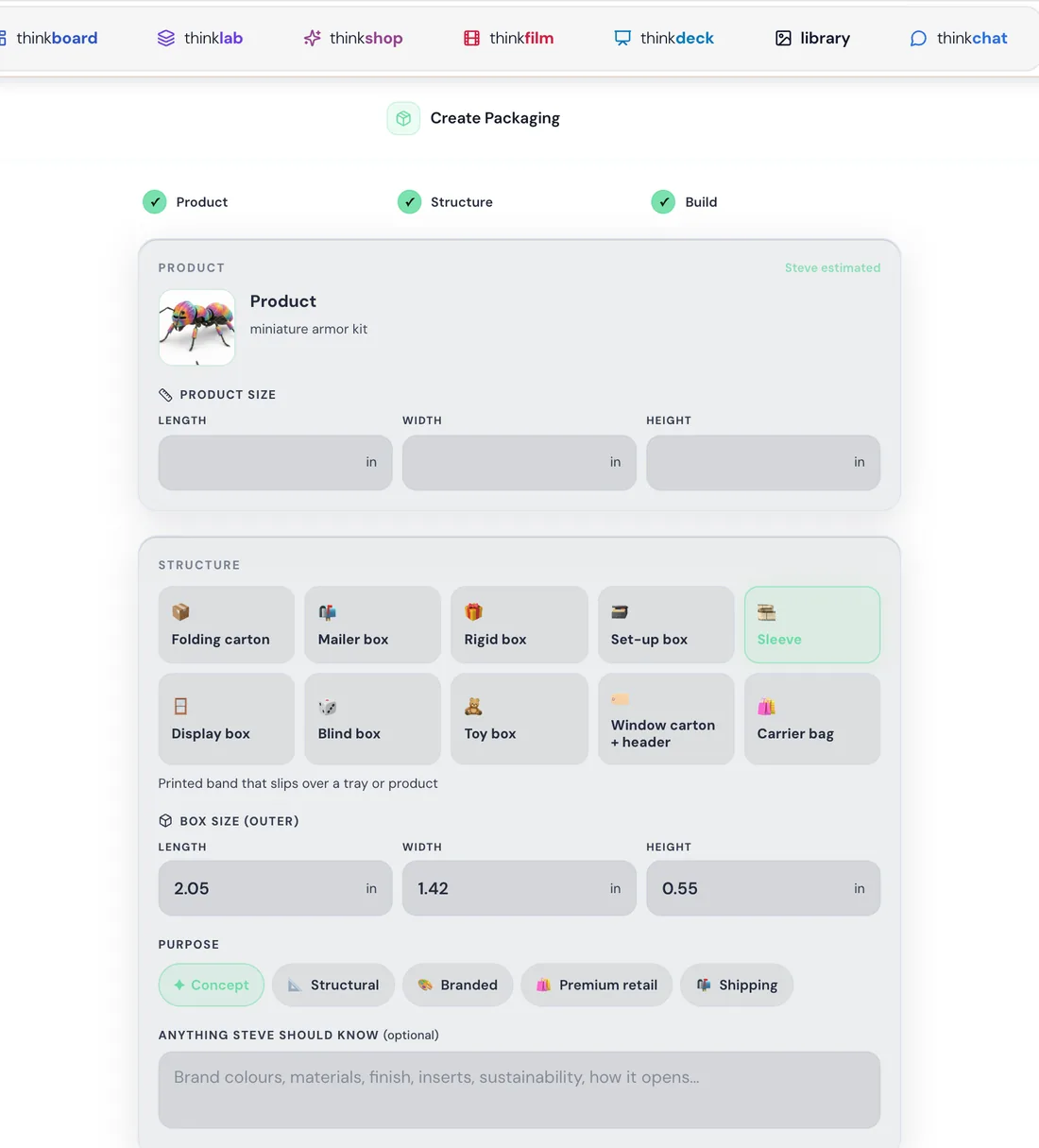
The packaging builder
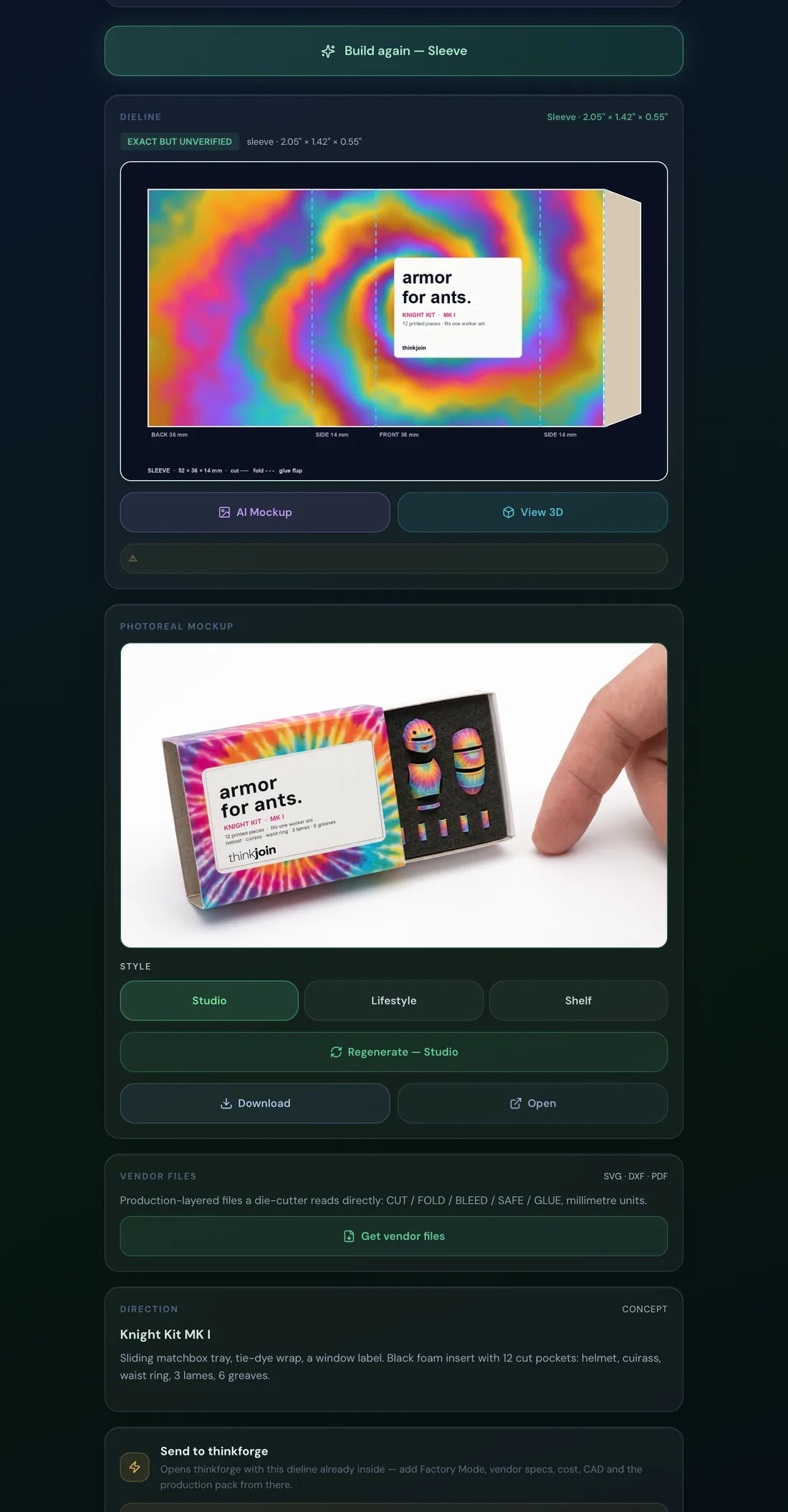
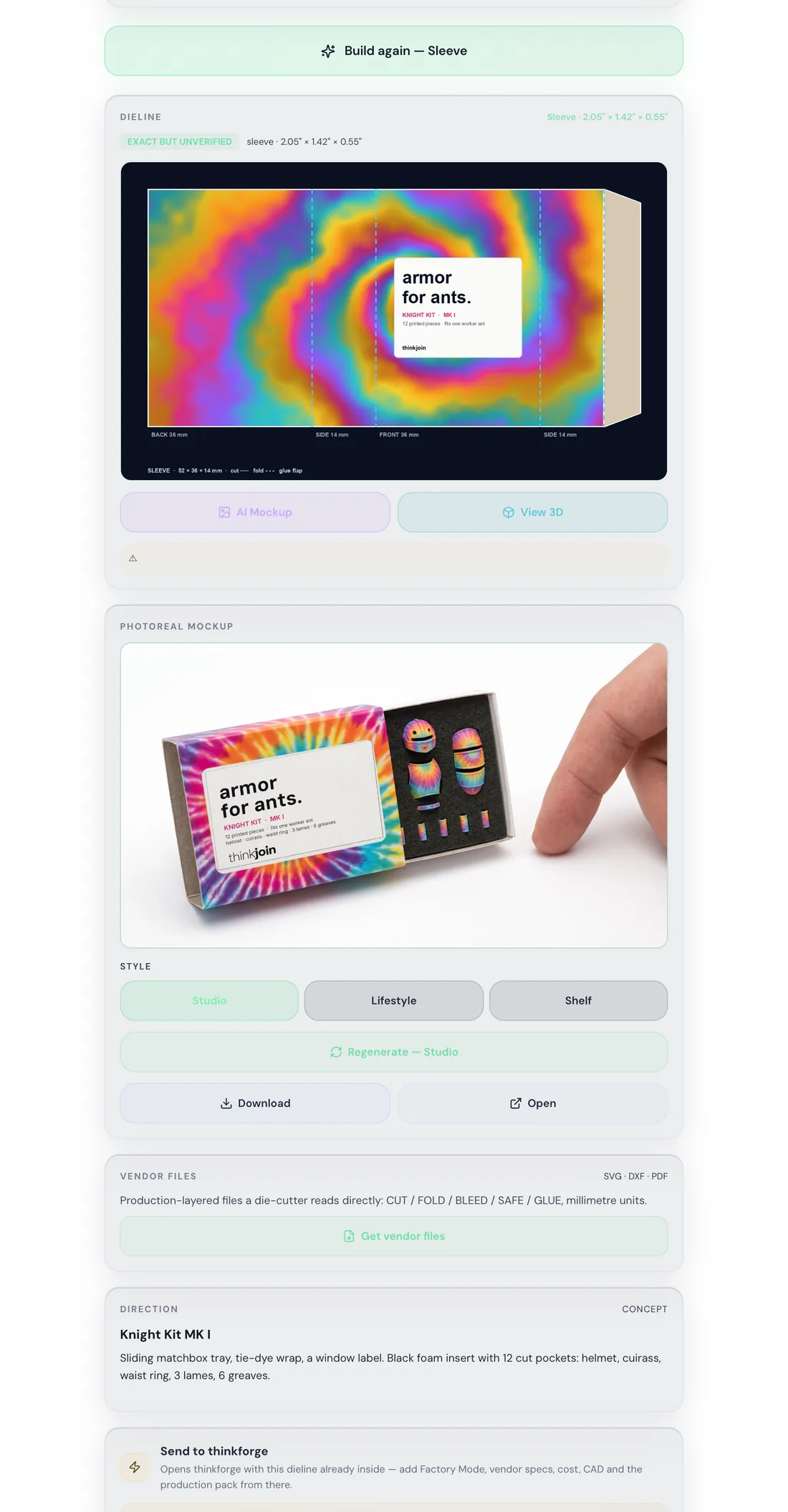
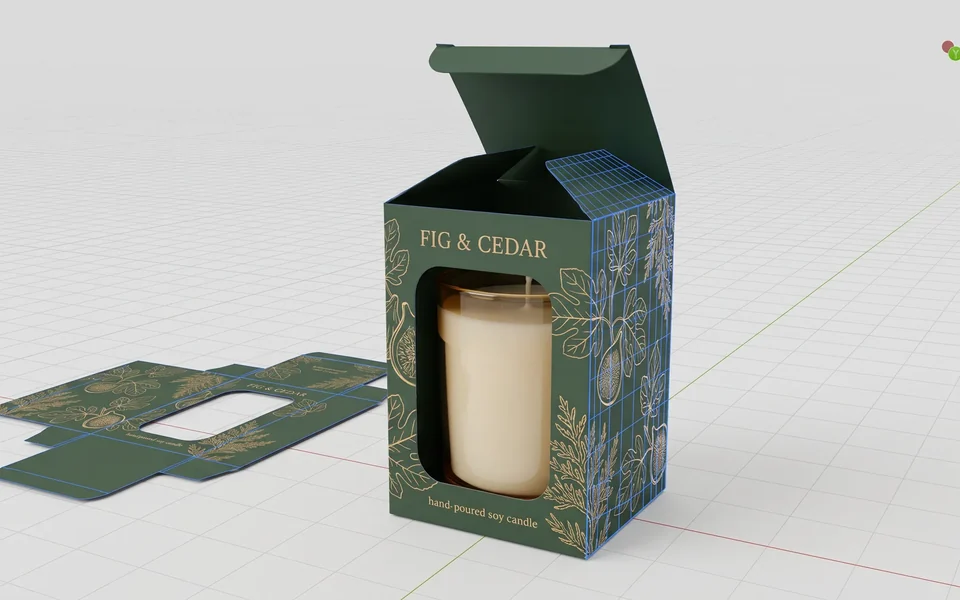
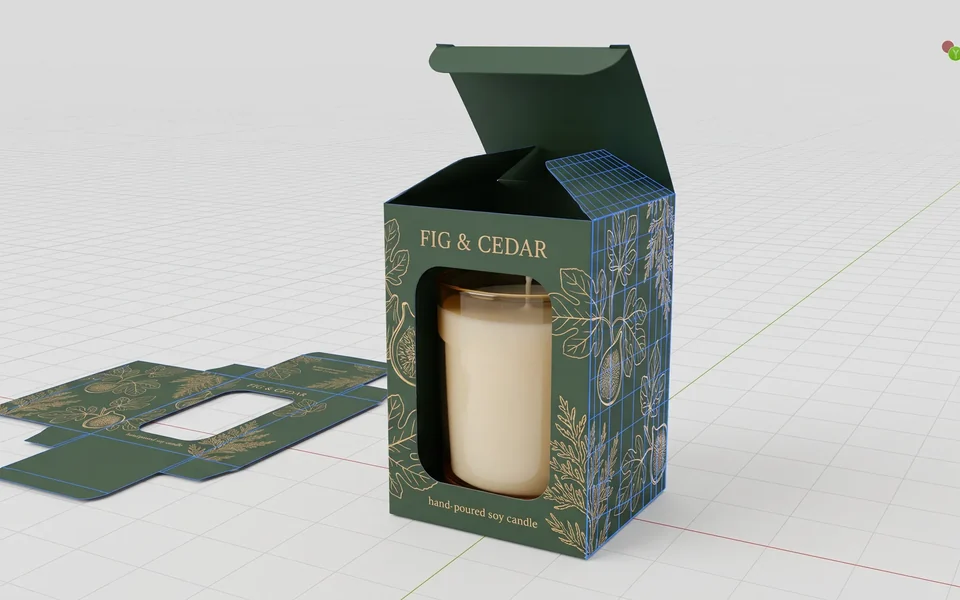
Create Packaging, right beside thinkforge, opens the builder with your product. Steve estimates its size, you pick one of ten box families and a purpose (here a Sleeve, the matchbox's own), and one build gives the dieline, a creative direction and a photoreal mockup. View 3D turns the box round in 3D, and Get vendor files gives a die-cutter production-layered SVG, DXF and PDF.
The product builder
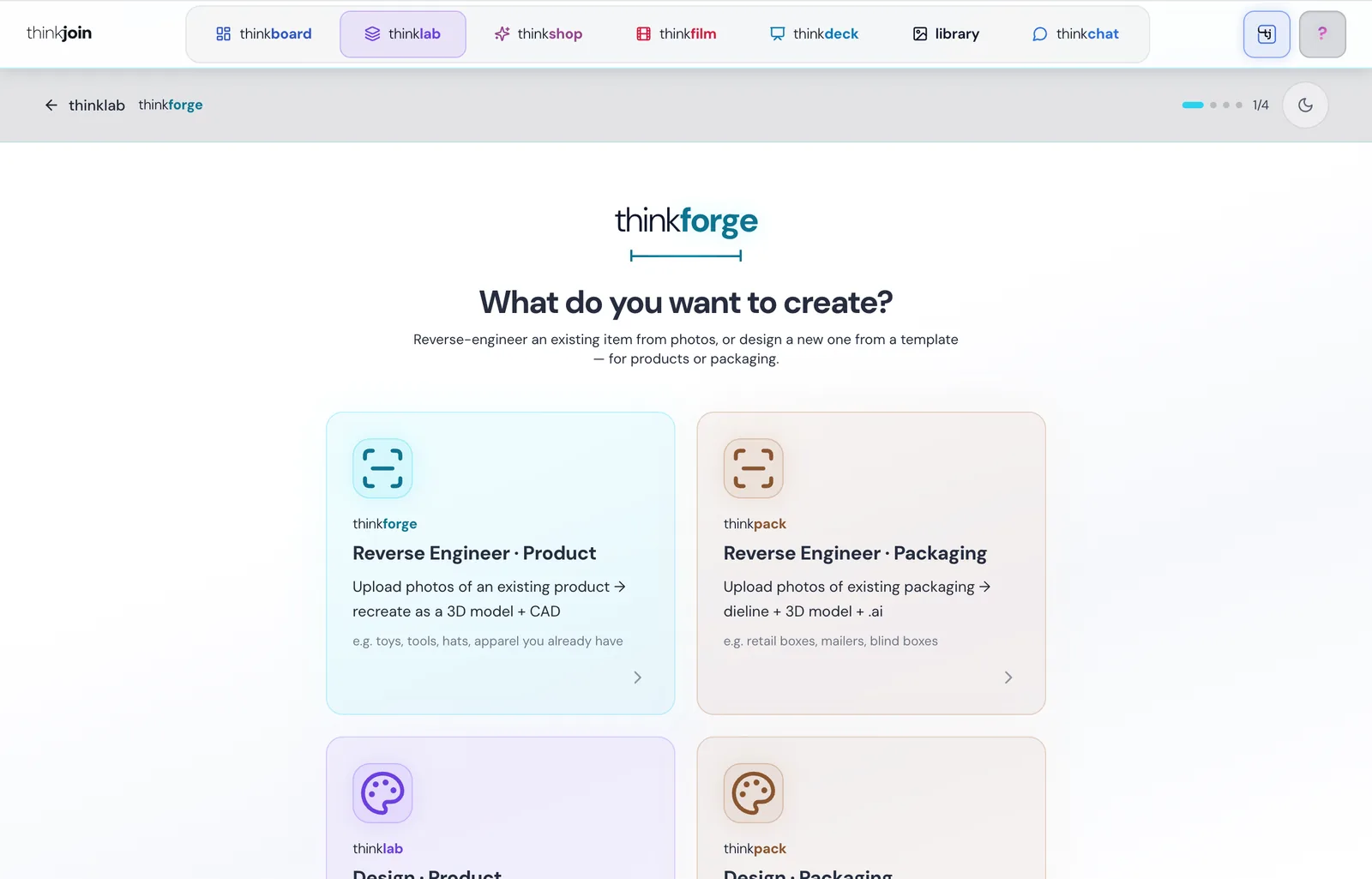
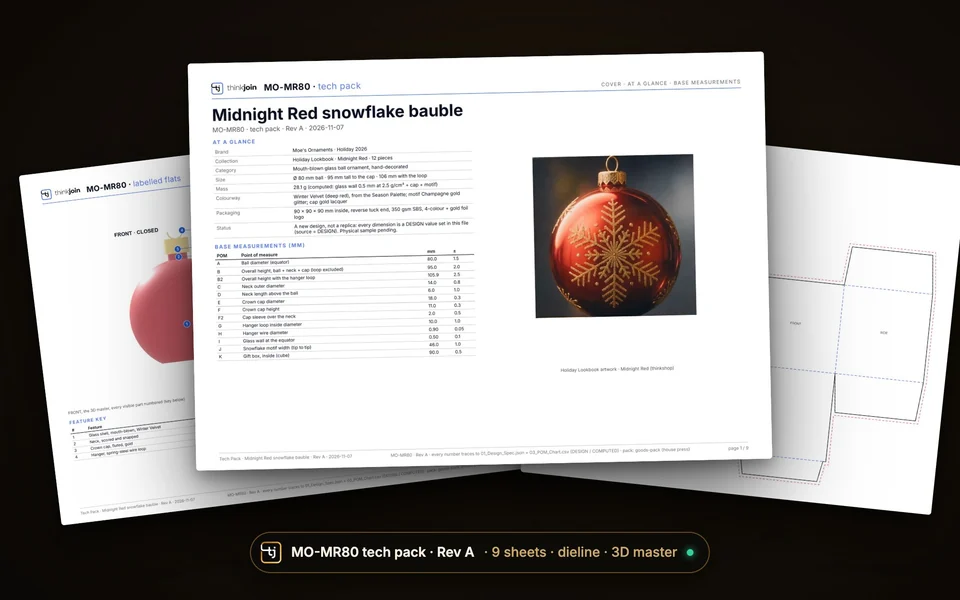
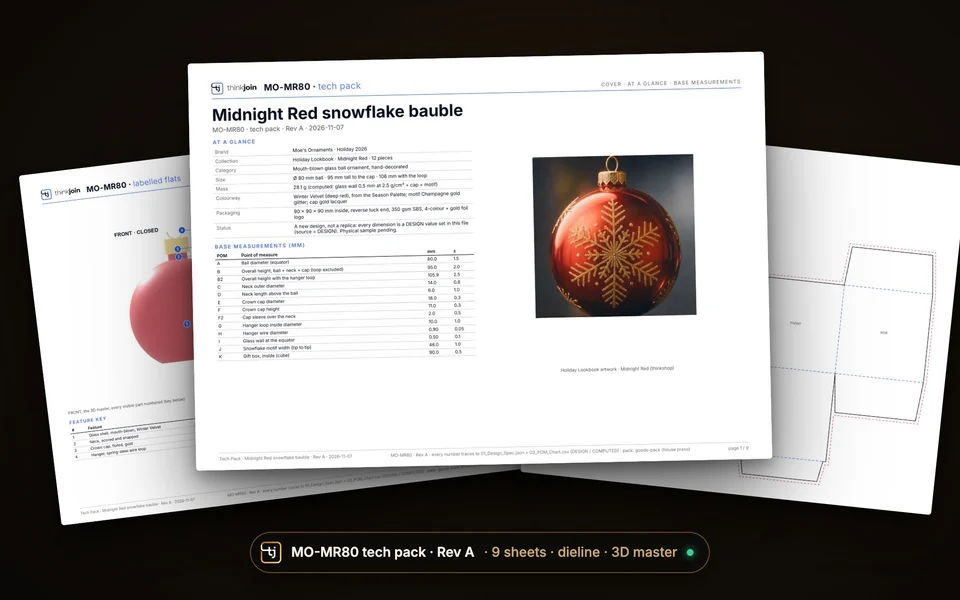
Send to thinkforge carries the dieline on, or open thinkforge from the next steps. It turns a product or a pack into a 3D model, checked specs and factory files: the 3D file, a parts list, a tech pack, a drawing and a vendor pack. Reverse-engineer it from photos, or design it from a template.

Your choices
Every choice is a tap. Try them.
These are the real directions and the real questions thinklab asks. Pick a direction and your answers, just like you would in the studio.
Engineering Spec
What it aims for: a precise product engineering visualization with clear structure, material logic and realistic construction.
Real Product
What it aims for: a real-world product visualization with premium product photography, believable materials and a final, sellable look.
Concept Presentation
What it aims for: a concept visual about storytelling, mood and creative exploration, with the subject kept clear.
One idea, all the way
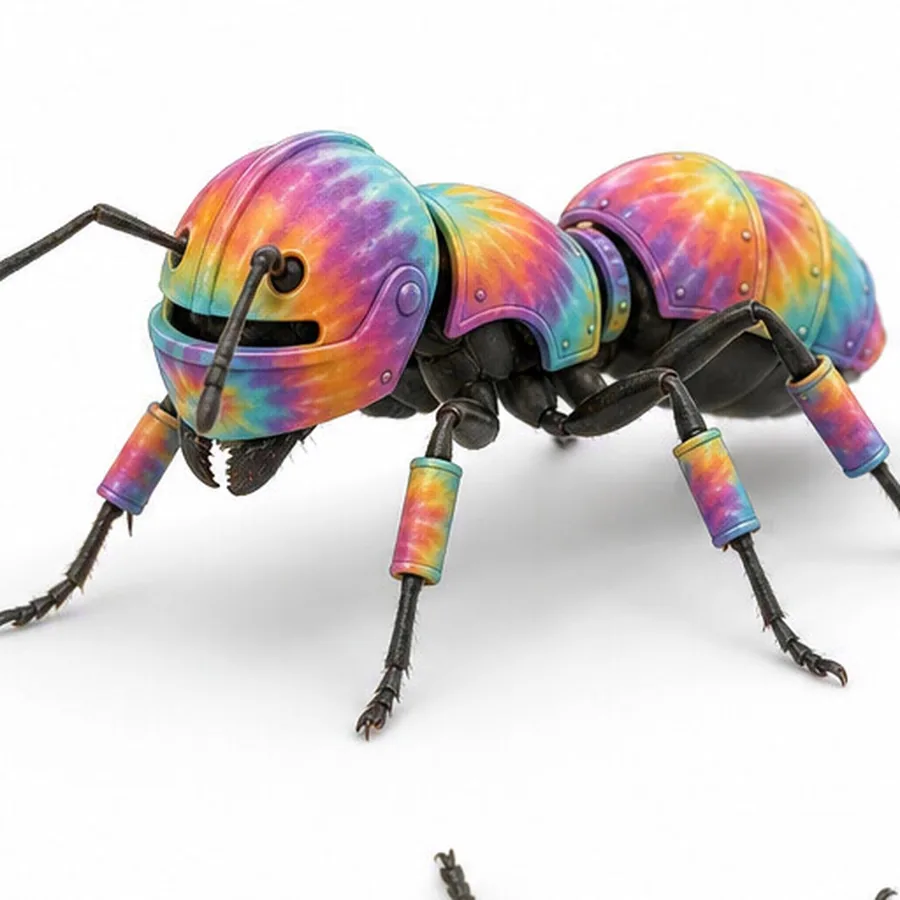
Armor for ants. Made real.
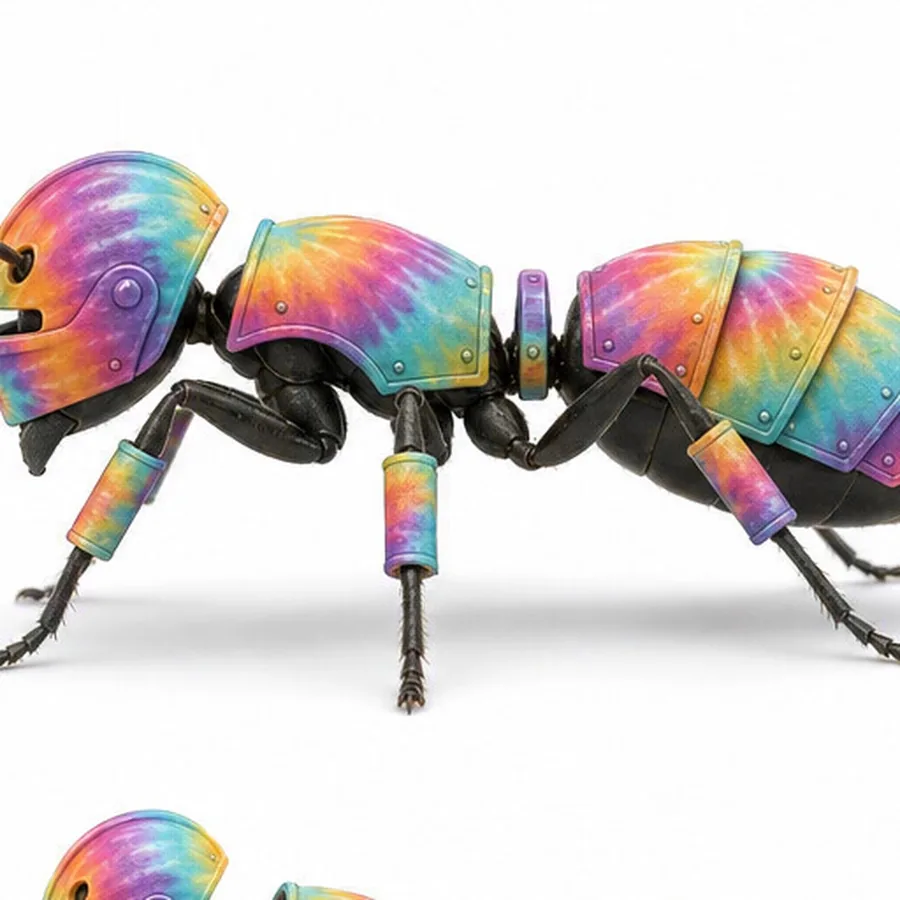
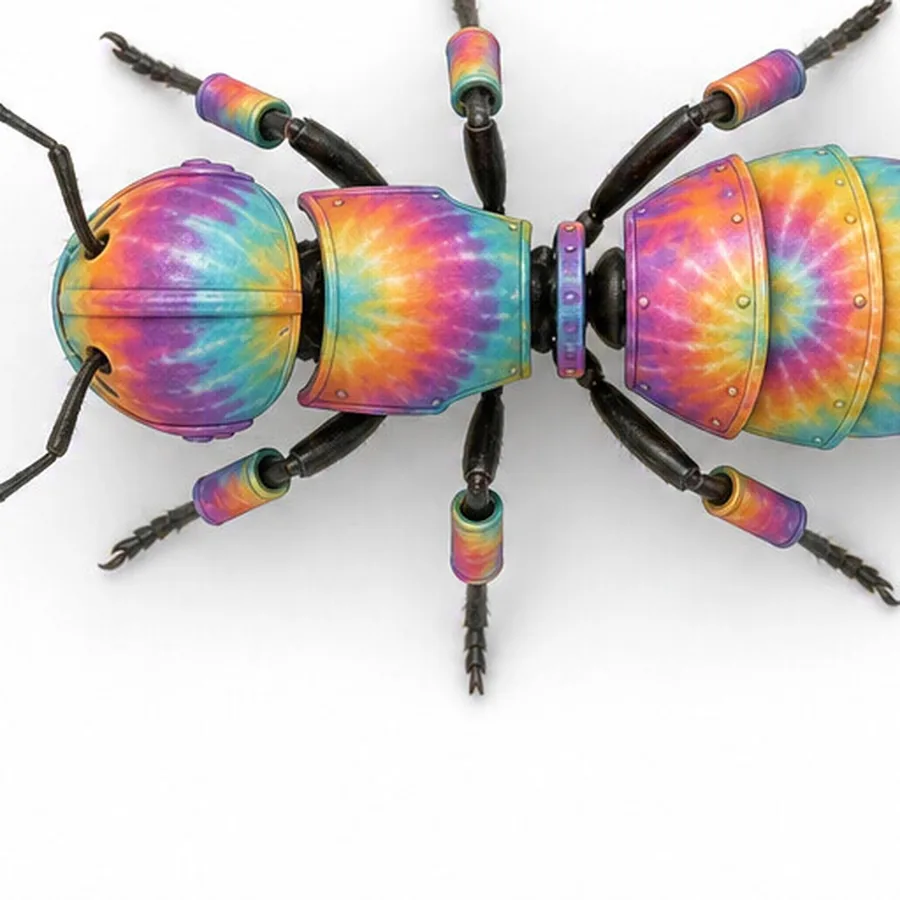
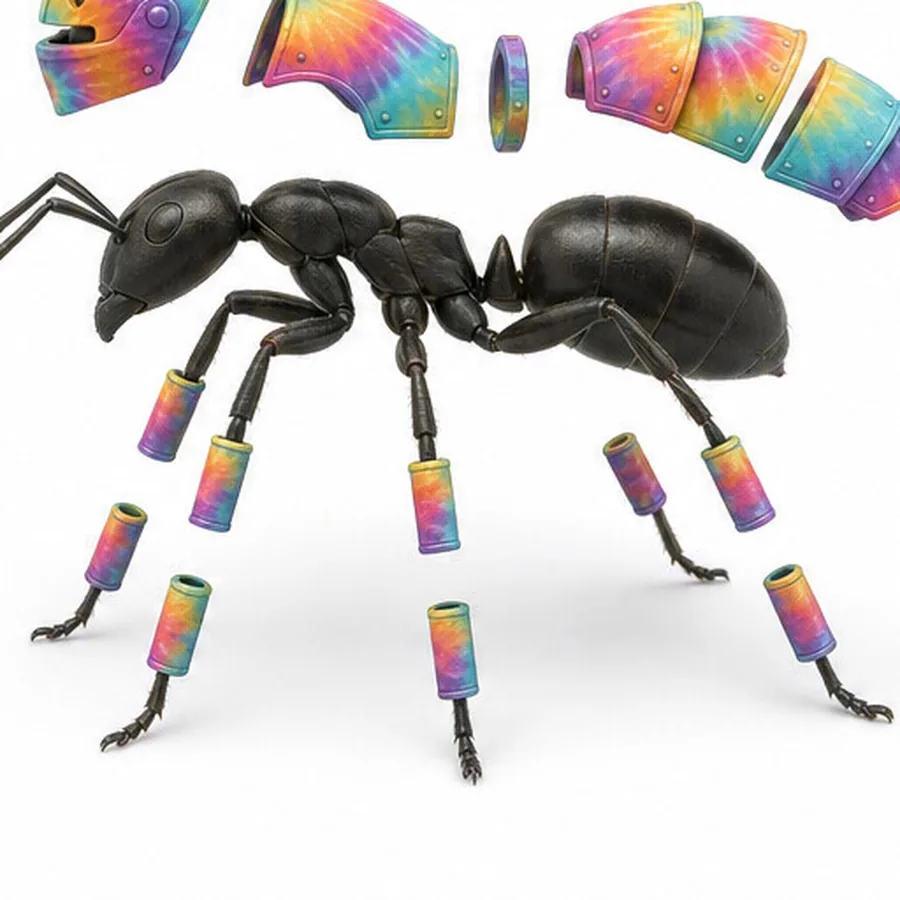
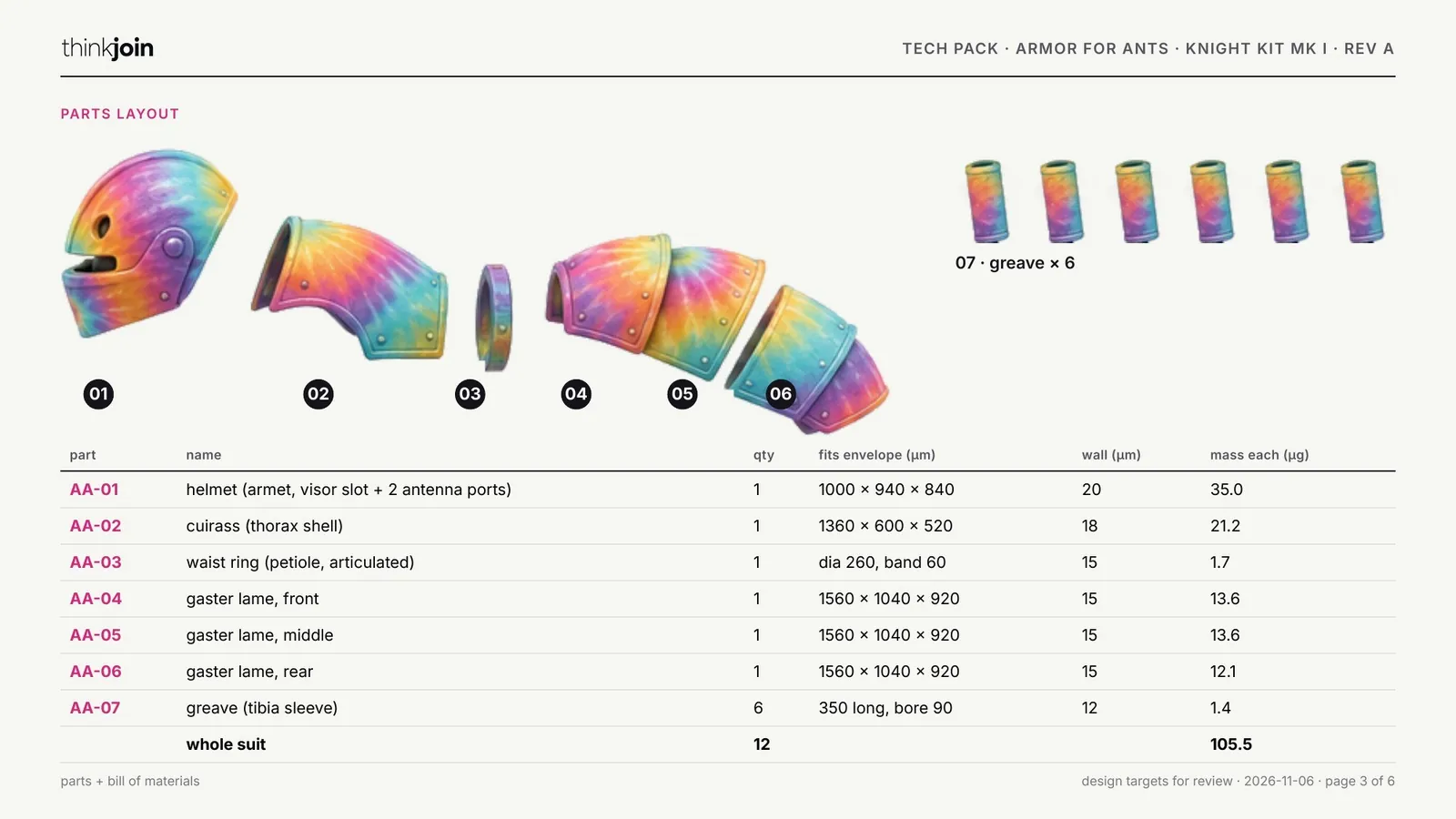
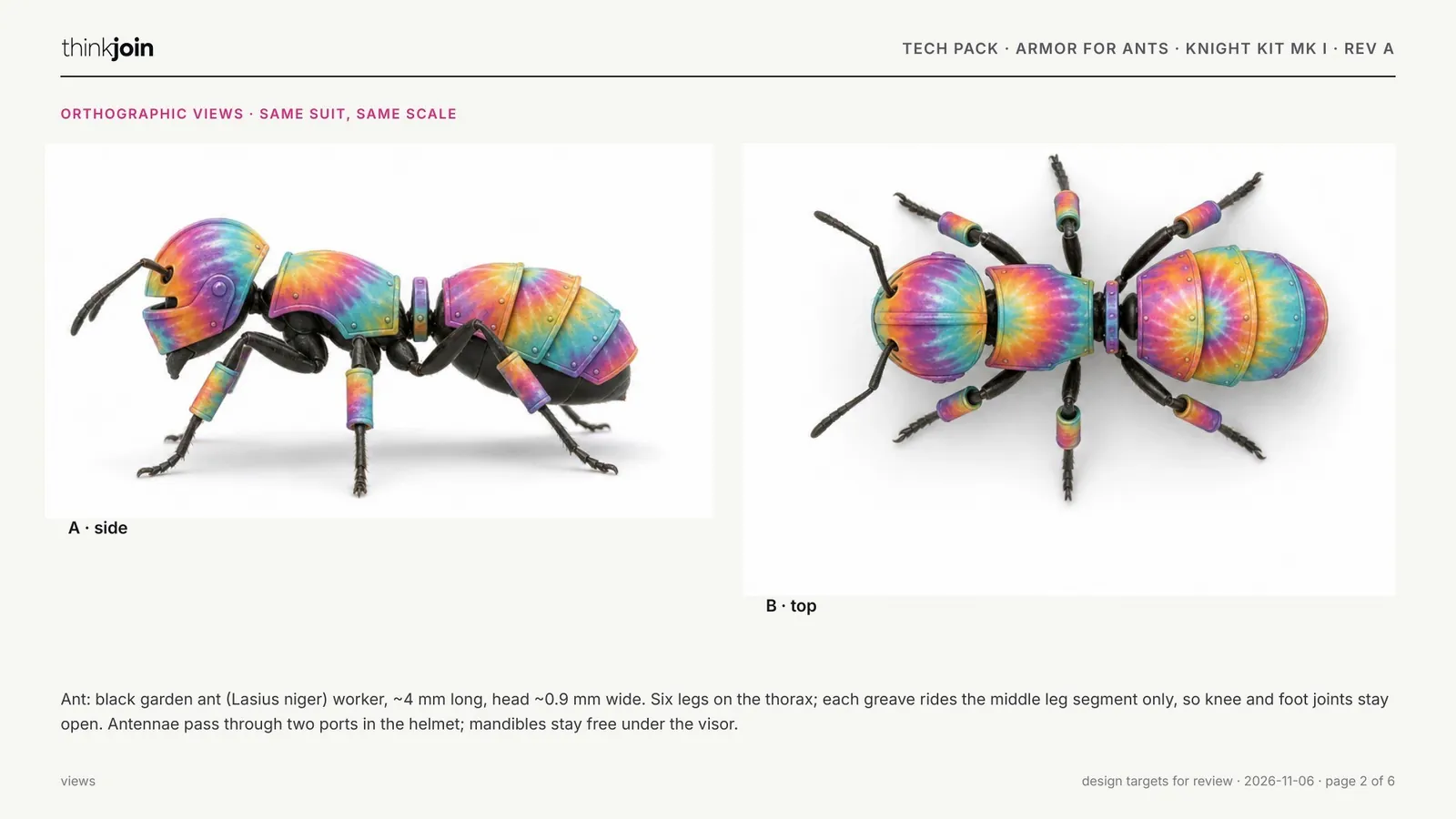
One absurd sentence in, and everything a maker needs out: the design views, the exploded parts, the retail box and a six-page tech pack with every part, size and fit rule.
The packaging
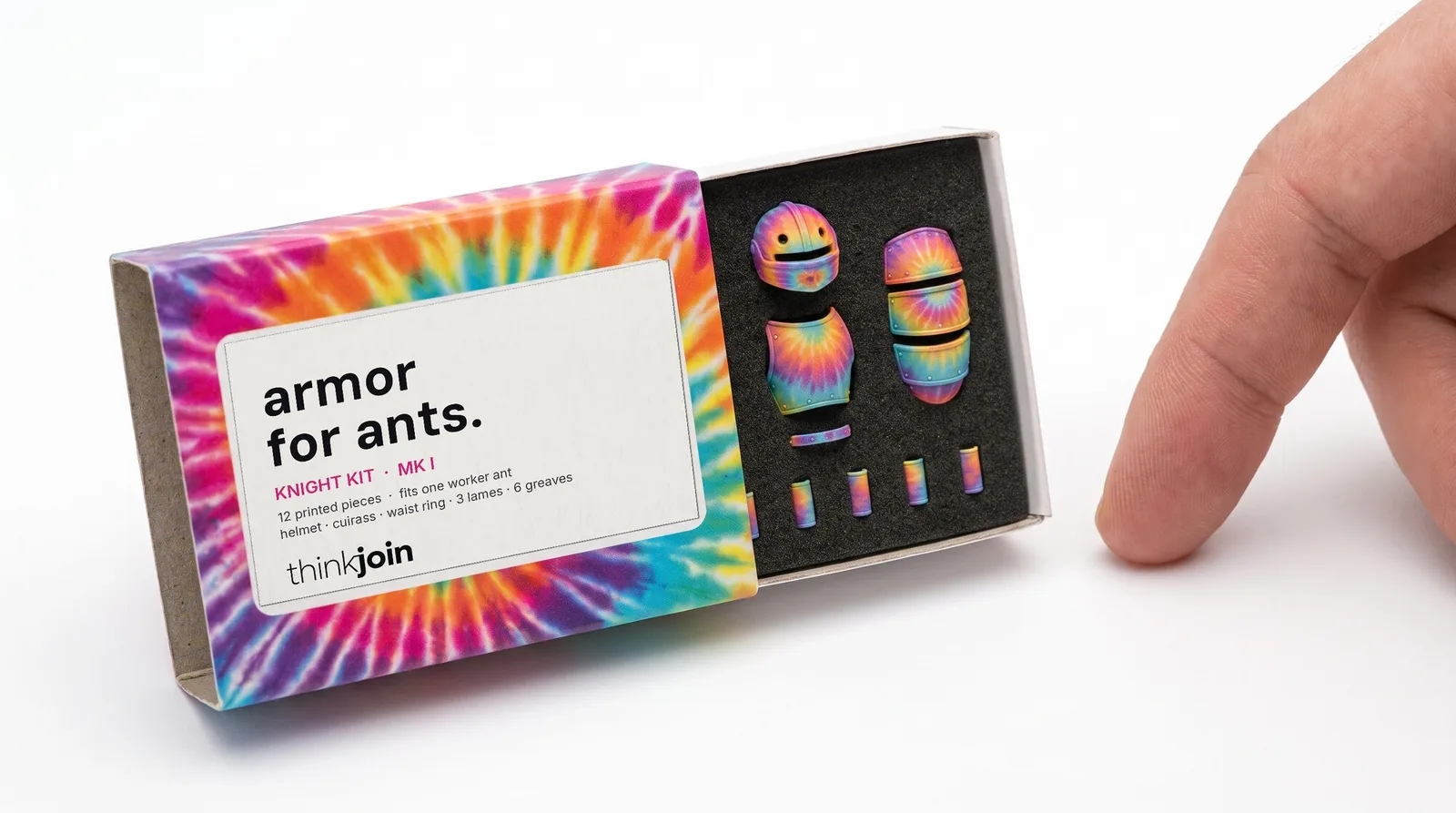
A matchbox kit, ready for a shelf
A sliding tray box in a tie-dye wrap with a window label, and a black foam insert with twelve cut pockets: helmet, cuirass, waist ring, three lames and six greaves.
Outer 52 × 36 × 14 mm, 350 gsm board, matte lamination.
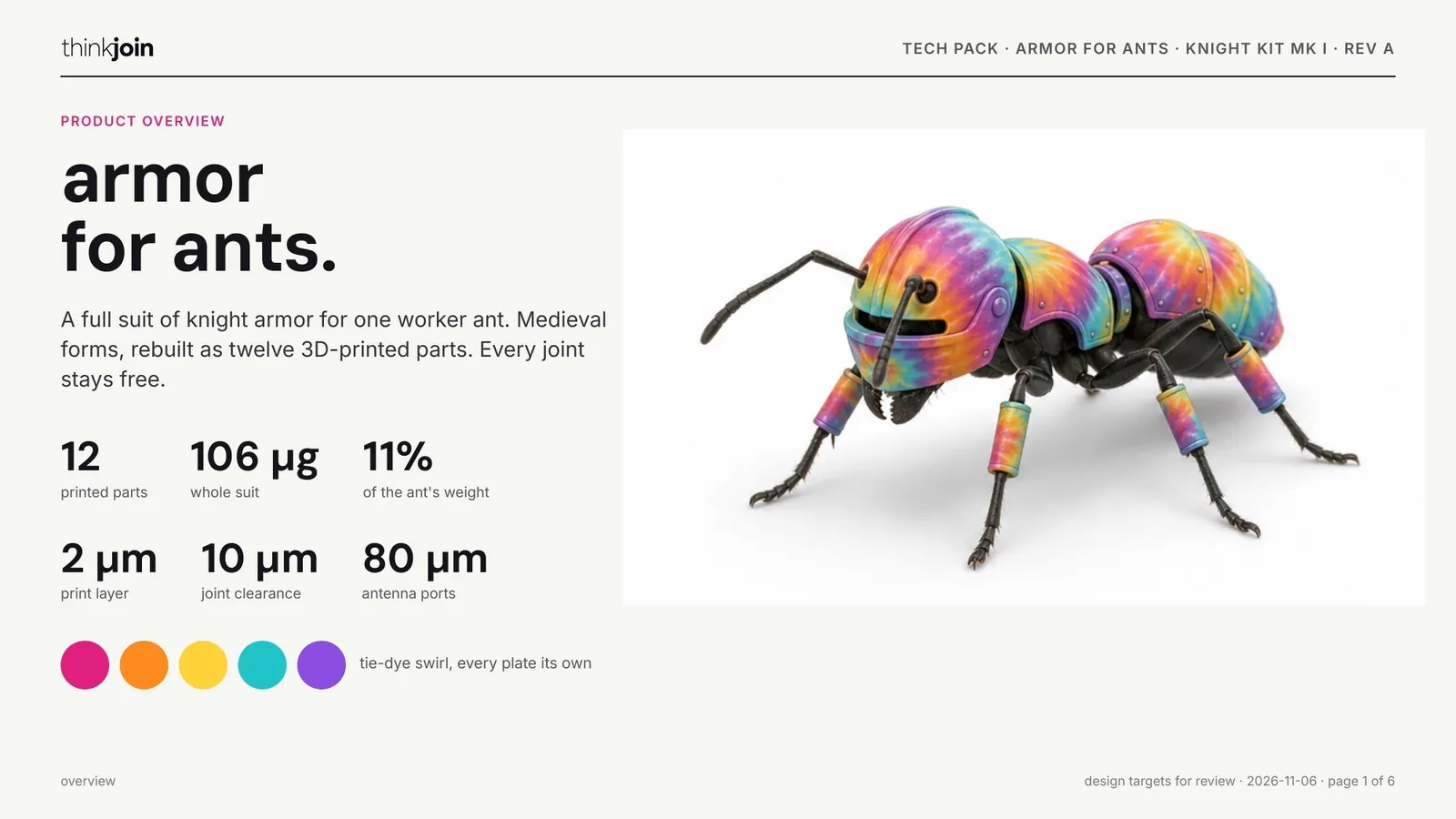

The same road for anything
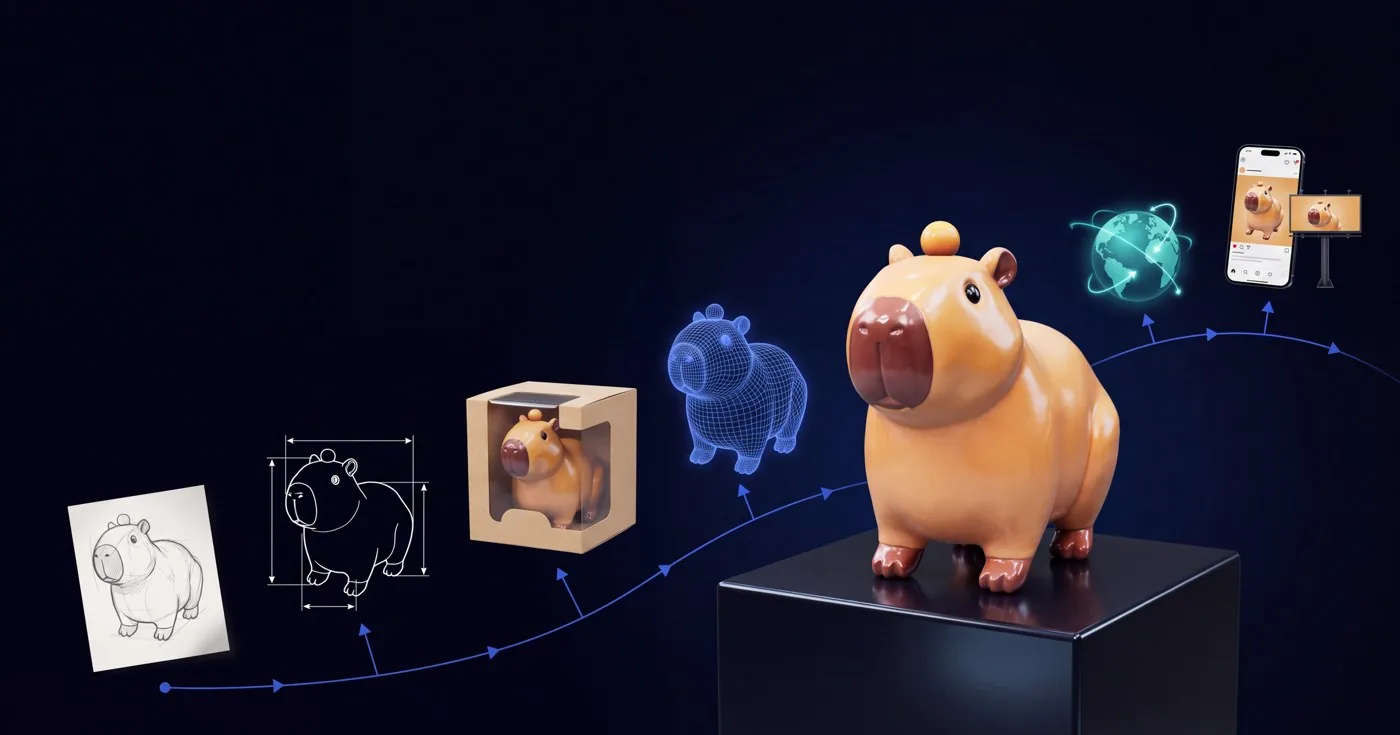
A toy, a box, a lamp, a suit of armor.
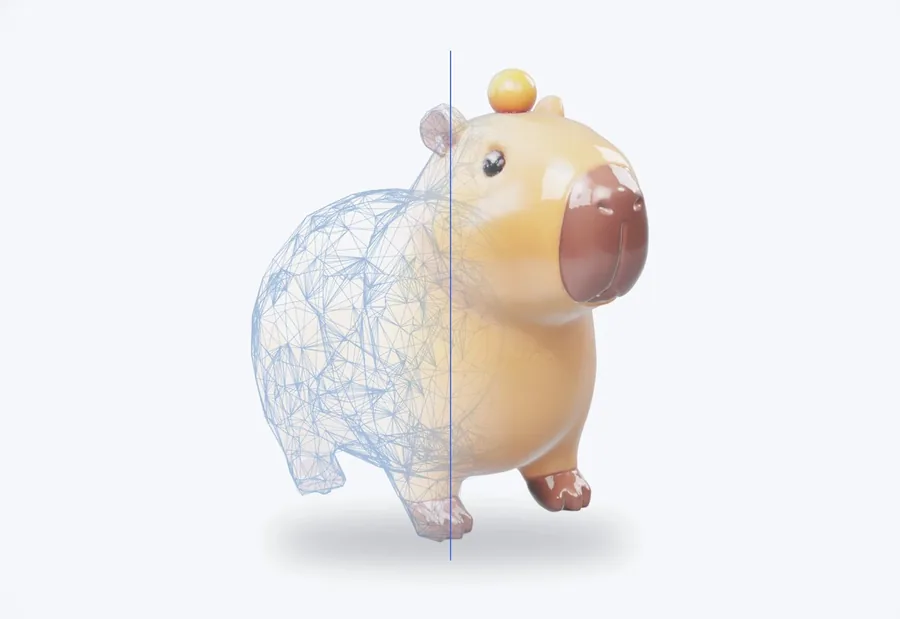
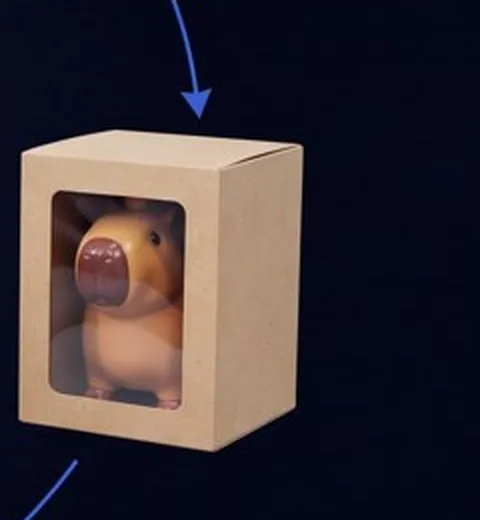
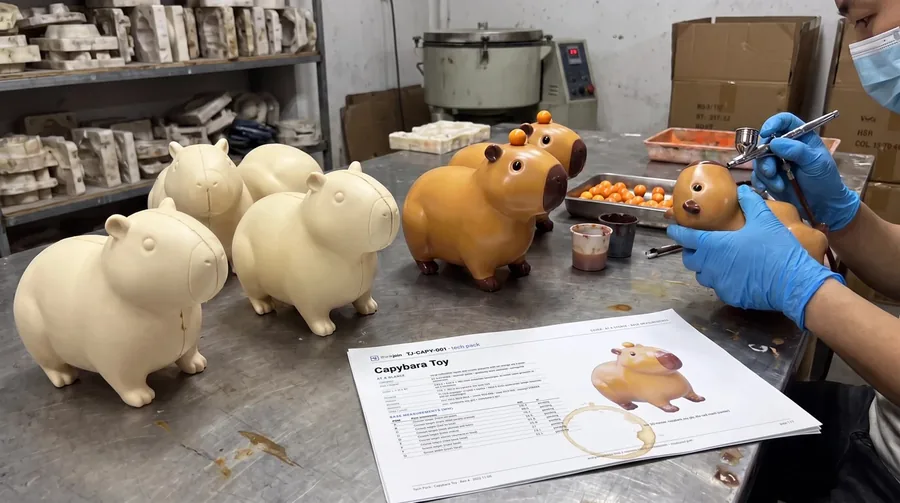
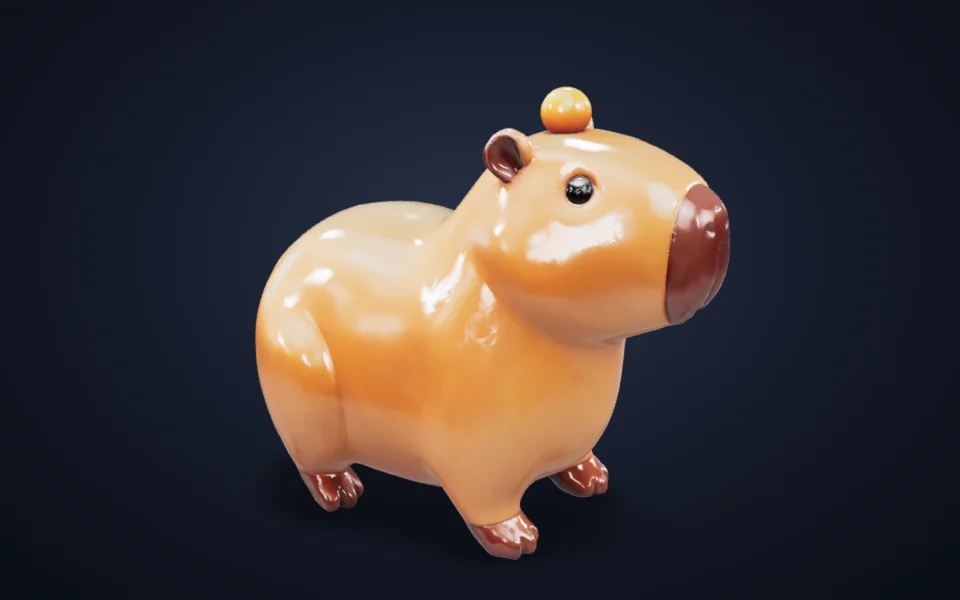
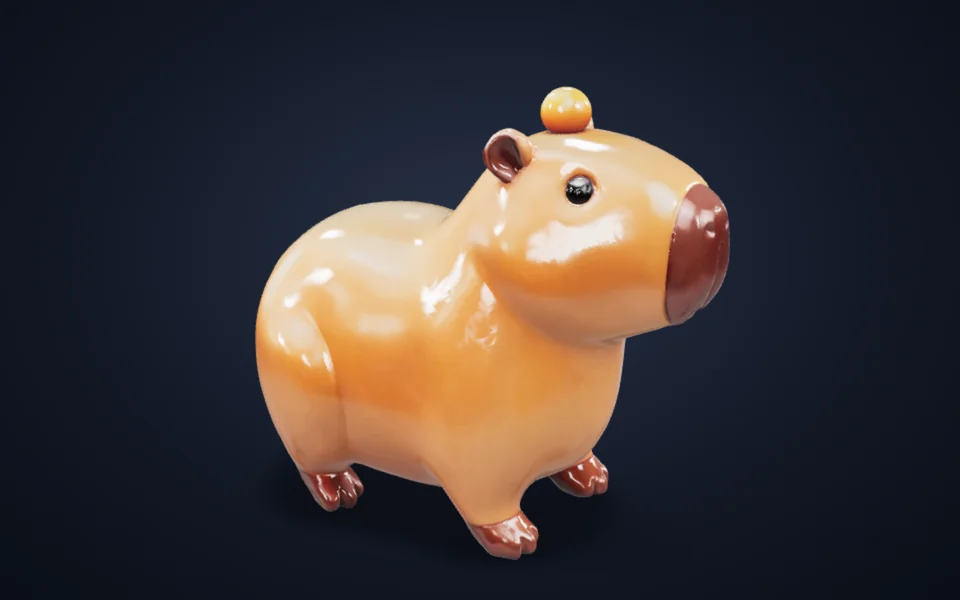
The steps don't change with the idea. Here is the house capybara toy taking the same road: from a sketch, to a 3D model, to a window box, to a factory line.


Also in thinklab
One door, a whole bench.
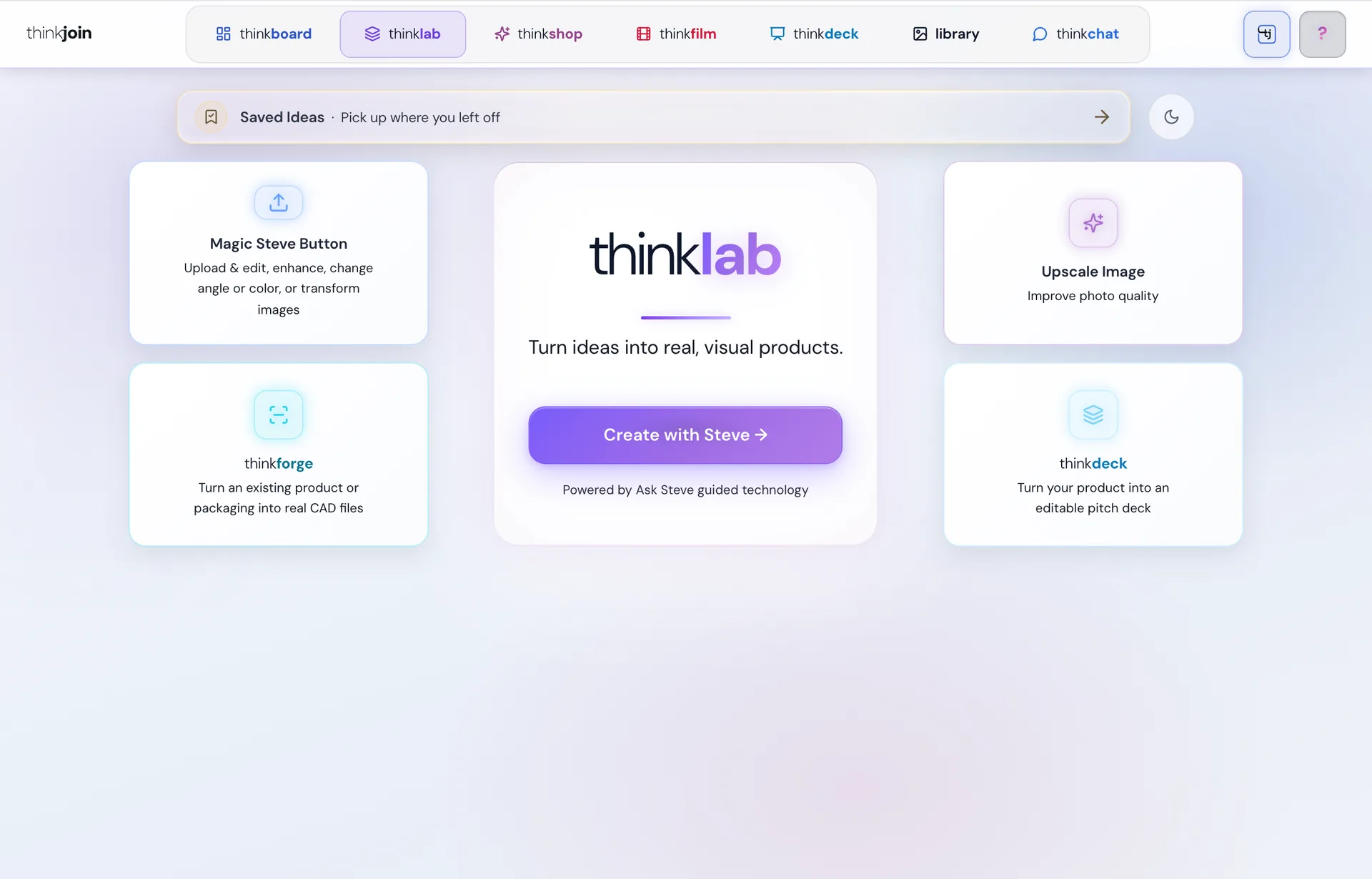
- Magic Steve ButtonUpload a picture, or start from nothing, and say what to change: enhance it, change the angle or the colour, or transform it.
- Upscale ImageLift a photo's quality before it goes in a deck or on a box.
- Saved IdeasPick up where you left off: your newest concepts sit one tap away, and every saved one opens back on its results.
- Steve, at every stepAsk Steve beside the box to sharpen the idea, or ask him anywhere on thinkjoin.com to take it further.
On your phone
An idea strikes. Catch it.
The whole road works on a phone: type the idea, tap your answers, look over the three visuals.
Light and dark
Light or dark. Your call.
One switch, on every page of thinkjoin. Drag across to see both.
Where it goes next
Born in thinklab. Finished in the studios.
Every concept can carry on into thinkjoin's studios, and Steve works in all of them.


















Got an idea?
Say it. Hold it.
Create your thinkjoin account and open thinklab. The first sentence is all it takes.